Medical receptionist software earns its place when it takes repetitive work off your front desk and gives it to a system that doesn’t get tired, distracted or interrupted. Most South African practices don’t have a staffing problem so much as a task problem. Your receptionist is answering the phone, finding a file, confirming a medical aid, chasing a deposit and greeting a patient, all in the same five minutes.
The numbers from abroad suggest we’re not alone. MGMA’s research on patient access found that nearly half of surveyed organisations rank scheduling as critical to their success, yet the front desk is still the main booking channel and only about 30 percent offer self-booking. Most groups in that US survey reported no-show rates above 6 percent, and automated reminders were underused.
Here are the seven tools worth looking for, grouped by the job they do. Some are about bookings, some about the patient’s arrival and file, and some about getting paid. Together they change what a reception shift feels like.
Tool one is a live, shared diary. Tool two is online self-booking. Tool three is automated reminders. We’ll cover those first, because that’s where most reception time disappears.
Online appointment booking software for doctors
Online appointment booking software for doctors moves the simplest bookings off the phone. A patient who wants a routine follow-up on Thursday afternoon doesn’t need to wait for someone to pick up. They choose a slot you’ve already approved, and it lands in the diary.
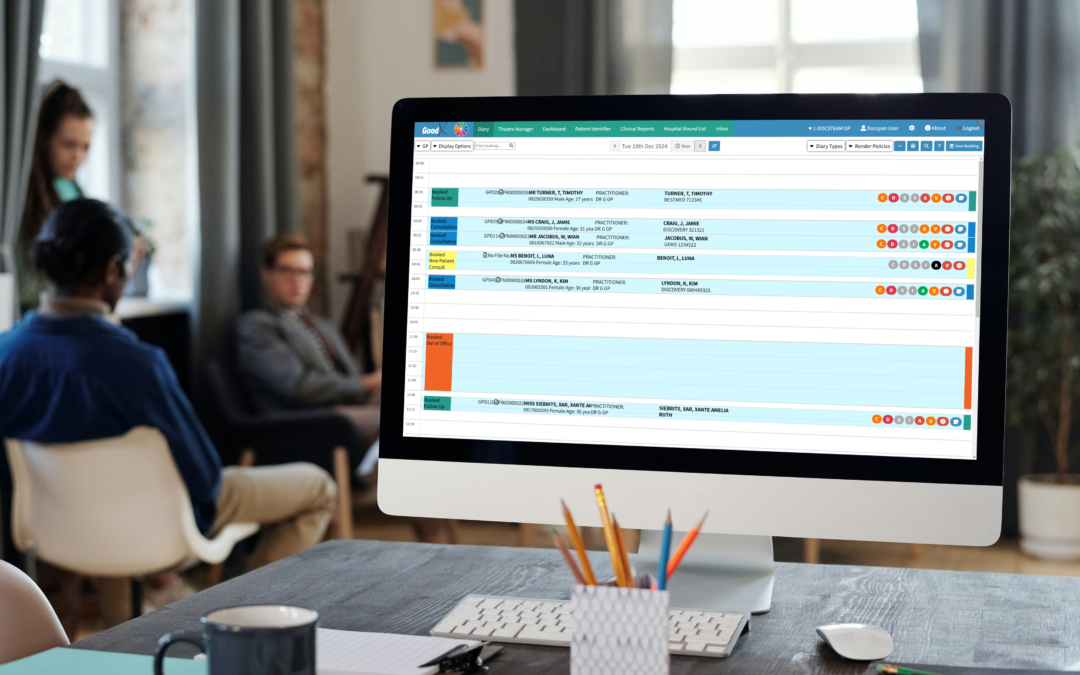
That’s tool one and two working together: a single diary that every room and every practitioner shares, plus a booking page patients can use after hours. The shared diary matters more than people admit. Double-booked slots usually happen because two people held two versions of the truth, one on paper and one on a screen.
You stay in control. Good systems let you limit which appointment types can be booked online, block out theatre days and ward rounds, and keep emergency slots for your own staff. MGMA has written about putting scheduling into patients’ hands, and the principle holds here: offer the convenience, keep the rules.
Tool three is the one most practices underuse, and that’s appointment reminders. Industry data suggests that automated text, email and call reminders reduce no-shows, and prepaid or deposit-backed appointments tend to lift attendance further. In a cash-sensitive practice, an empty 30-minute slot is rent, salaries and electricity that you still pay for.
Set reminders to go out in two stages. A first message a few days ahead gives the patient time to cancel or move, and a second the day before catches the forgetful. Let them confirm or reschedule with one reply, and your receptionist only handles the exceptions.
A cancelled slot is also an opportunity. If your system can flag it and let you offer it to a waiting patient, you recover revenue that would otherwise vanish. Shortening wait times is a recurring theme in MGMA’s access strategies, and a tidy waiting list is one of the cheapest ways to get there.
Patient check-in and records management
Patient check-in and records management is where the front desk either flows or clogs. The classic version: a patient arrives, fills in the same clipboard form they completed six months ago, and your receptionist retypes it. Mistakes creep in at exactly that point.
Tool four is digital intake. Patients complete or confirm their details before the visit, so the receptionist only verifies. Industry guides on workflow improvement consistently point to automated intake as a way to cut no-shows and free up staff time, and it fits neatly with a rooming checklist: patient arrived, identity confirmed, medical aid verified, room ready.
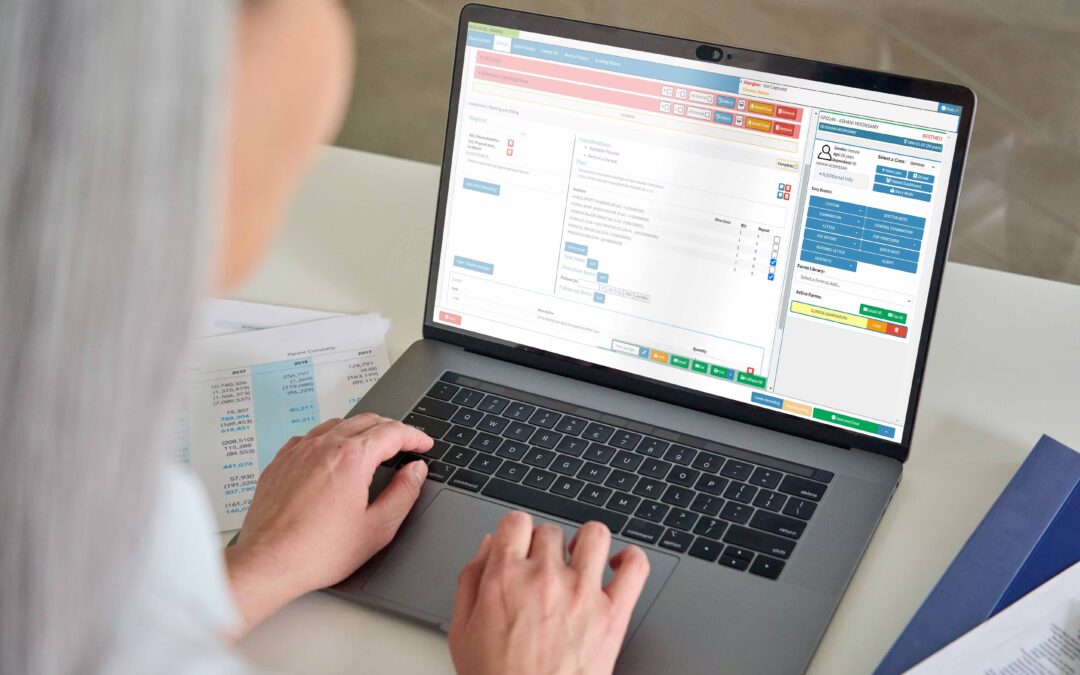
Tool five is a searchable patient record linked to that diary entry. When a patient’s file opens from the appointment itself, nobody is hunting through cabinets for a folder that’s been left in a consulting room. The lost file becomes a rare event rather than a weekly one.
Records also carry a legal weight. Your practice handles special personal information every day, which means you need to take the Information Regulator’s POPIA requirements seriously. Practical steps include role-based access so that a receptionist sees what they need and no more, an audit trail of who opened which record, and sensible consent capture at registration.
Your professional obligations sit alongside that. The HPCSA sets expectations for record keeping and confidentiality, and a system that timestamps entries and controls access makes those expectations far easier to meet. Standardised coding matters too, and the WHO’s ICD classification is the foundation for the diagnosis codes your claims rely on.
If you’re weighing up where to start, a good first step is mapping one patient’s journey from booking to payment on a single sheet of paper. Note every handover and every re-typing. The bottlenecks show themselves quickly, and each one is a candidate for a tool.
Medical billing automation for practices
Medical billing automation for practices is the tool category that pays for the hours you’ve saved elsewhere. Reception sits at the start of the revenue cycle, so what happens at the desk decides what happens at the claim.
Registration errors are a classic example. A wrong membership number, a missing dependent code or an expired authorisation can each cause a rejection weeks later. Medical Economics notes that front-desk registration mistakes and authorisation gaps cause many payment delays, and that coding errors account for up to 22 percent of denials in the US context it describes. The lesson travels: fix the input and the output improves.
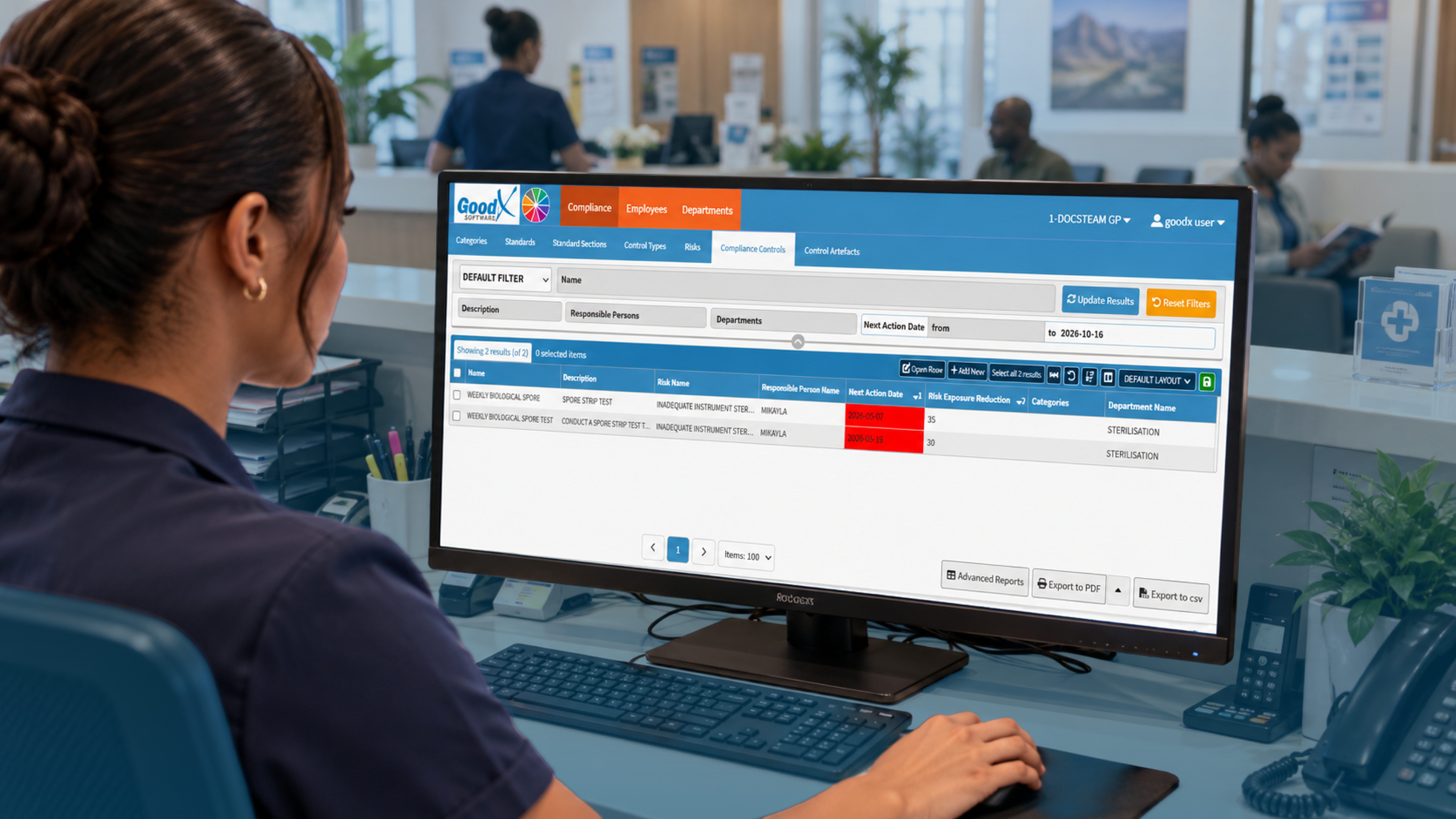
Tool six is electronic claims submission with built-in checks. It validates the required fields before the claim leaves, flags missing information and tracks rejections so they’re reworked rather than forgotten. Your biller stops discovering problems at month-end.
Tool seven is patient payment handling: quotes, deposits, card payments at the desk and clear statements. Physicians Practice has a useful piece on collecting patient payments, and the core advice is to ask for payment early and make it easy. In South Africa, that means being clear about shortfalls and co-payments before the consultation, not three statements later.
Medical scheme rules matter here, and the Council for Medical Schemes is a useful reference when you’re explaining benefits and scheme obligations to staff. The American Medical Association’s discussion of revenue cycle management is US-based, but its point stands: private practices that watch their revenue cycle closely keep more of what they earn.
Track a few numbers monthly: claim rejection rate, days to payment, and the share of appointments that ended in no-shows. Without numbers, you’re guessing which tool to switch on next.
Where GoodX fits into the reception picture
GoodX is practice management software built for healthcare practices in South Africa, and it covers most of the tools above in one connected system. Bookings, patient records, billing and claims share the same data, so a detail captured once at the front desk doesn’t need to be typed again further down the line.
In practice, that means the diary, reminders and patient file work together for front desk administration. Reception can see who’s booked, open the right record from the appointment and prepare the account without switching between programs. Reporting then shows you the patterns, such as busy times, missed appointments and outstanding accounts, so you can adjust before they become habits.
Fewer manual steps also help with staffing. MGMA’s advice on keeping front-desk staff stresses recognition, flexibility and development, and it’s hard to offer any of those when your team is buried in admin. Good medical practice management software gives them room to do the part of the job that involves people. See how [INTERNAL LINK: practice management features -> GoodX practice management software page] fit together, or read more about [INTERNAL LINK: automated claims and billing -> GoodX billing and claims page].
A system is only as good as the habits around it, so roll tools out one at a time. Start with reminders, then online booking, then digital intake. Hold a five-minute huddle each week to hear what’s working at the desk.
Frequently Asked Questions
What is medical receptionist software?
Medical receptionist software is a set of tools that handles front desk tasks such as bookings, reminders, check-in, patient records and payments. It reduces manual capture and phone work, so your reception team can focus on patients rather than repetitive admin.
Will online booking replace my receptionist?
No, it removes routine work, not the person. Your receptionist still manages complex bookings, greets patients, handles queries and resolves exceptions. Online booking simply stops simple appointments from tying up the phone, which gives your team more time for tasks that need judgement.
How do appointment reminders reduce no-shows?
Reminders prompt patients to attend, confirm or reschedule before the slot goes to waste. Industry data suggests automated text, email and call reminders reduce no-shows. Sending one a few days ahead and another the day before usually works best.
How does reception software help with POPIA?
It helps by controlling who sees patient information and recording who accessed it. Role-based permissions, audit trails and consent capture support your POPIA duties, though you remain responsible for your policies, staff training and how you handle personal information.
Where should a practice start?
Start with the problem costing you most. For many practices that’s no-shows, so reminders come first. Map one patient’s journey, note where details are retyped or delayed, and introduce one tool at a time so staff can adjust without disruption.
Book your free GoodX demo
Want to see how these tools work together at a real front desk? Book a free demo and we’ll walk you through bookings, records and billing in one system. Visit goodx.co.za to get started.
Disclaimer: This article is provided for general informational and educational purposes only. While GoodX Software takes reasonable care to ensure that the information is accurate and current at the time of publication, laws, regulations, industry standards, healthcare policies and technology may change. The content should not be regarded as medical, legal, financial or other professional advice. Readers should verify information relevant to their circumstances and consult an appropriately qualified professional where necessary. GoodX Software accepts no responsibility for decisions made or actions taken solely on the basis of this content.