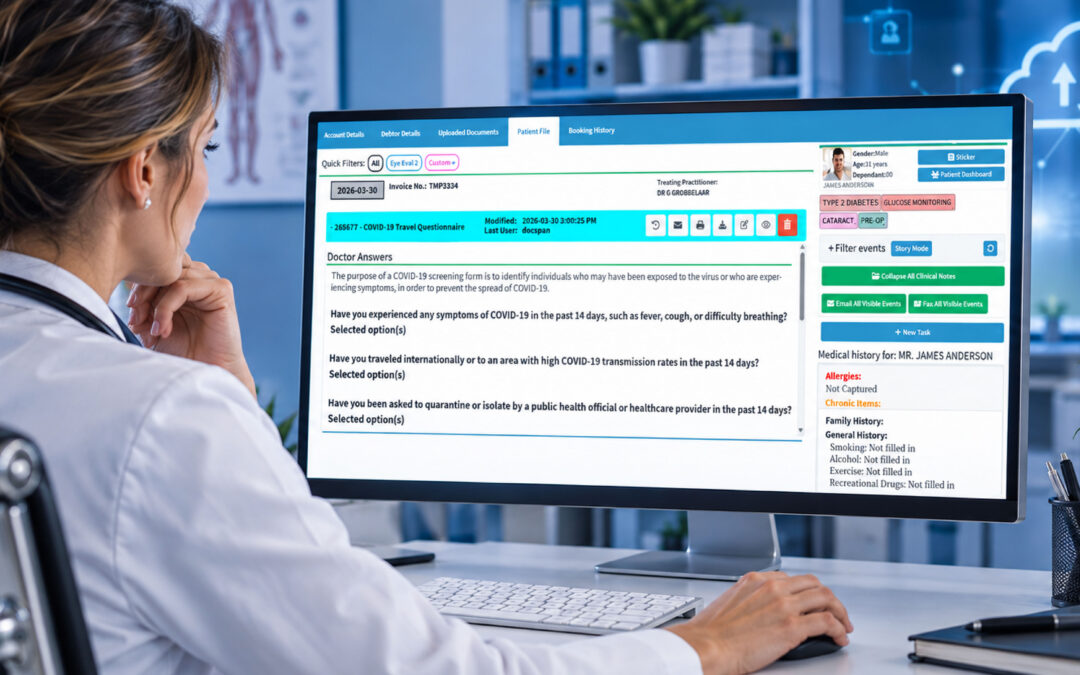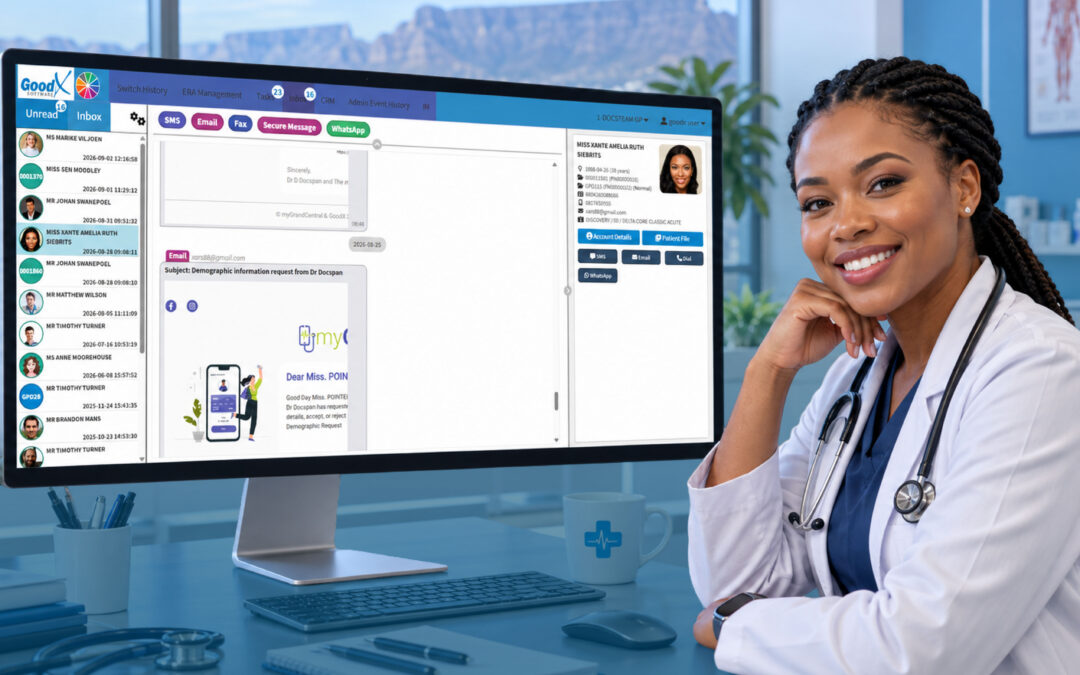
Effective communication is essential to the seamless operation of healthcare institutions in today’s healthcare landscape, with its challenges. Voice over Internet Protocol (VoIP) is sometimes disregarded as a technological development with the potential to completely transform communication in healthcare settings, yet VoIP for medical practices fits squarely within the broader shift to digital health that the World Health Organization promotes.
Healthcare practitioners can now use a smooth, integrated, and effective method for managing conversations directly from their GoodX Software, thanks to the launch of the GoodX VoIP function. VoIP, which converts standard phone lines into internet-based voice communication, has many advantages that can improve daily operations, patient experiences, and even invoicing procedures. [INTERNAL LINK: learn more about GoodX VoIP -> GoodX VoIP page]
Streamlined Communication for Staff and Patients
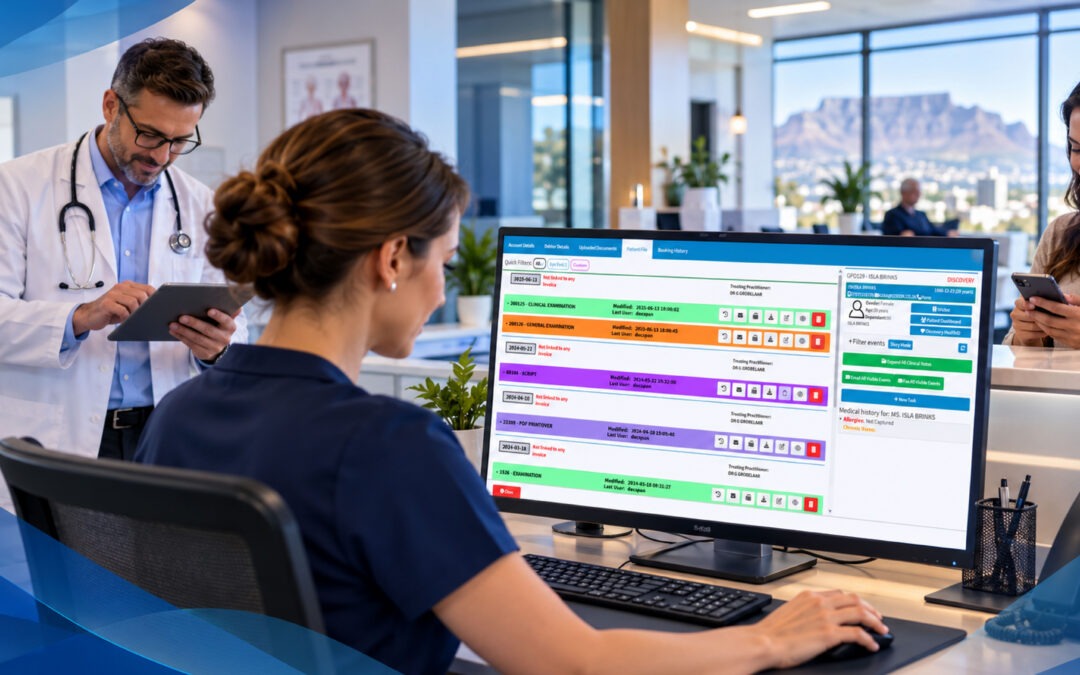
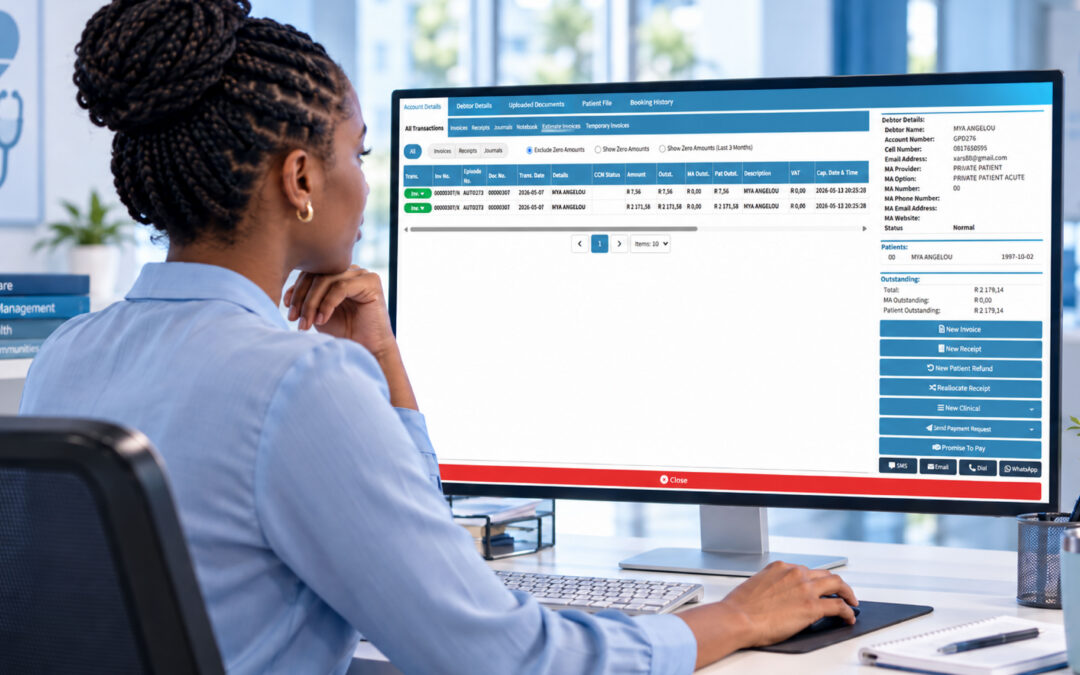
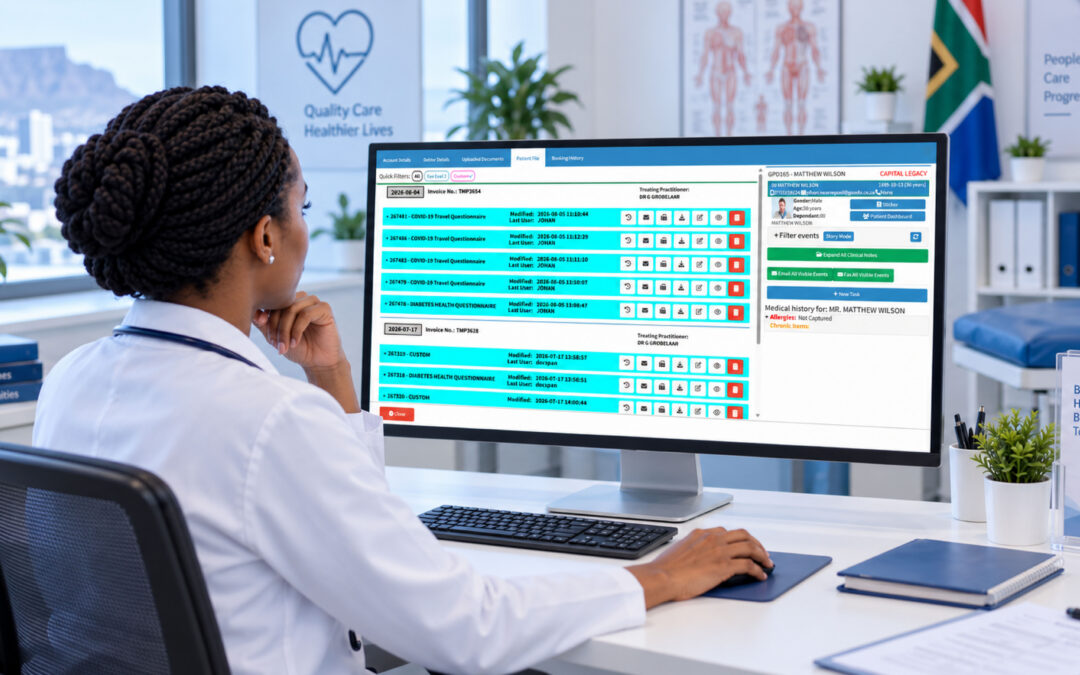
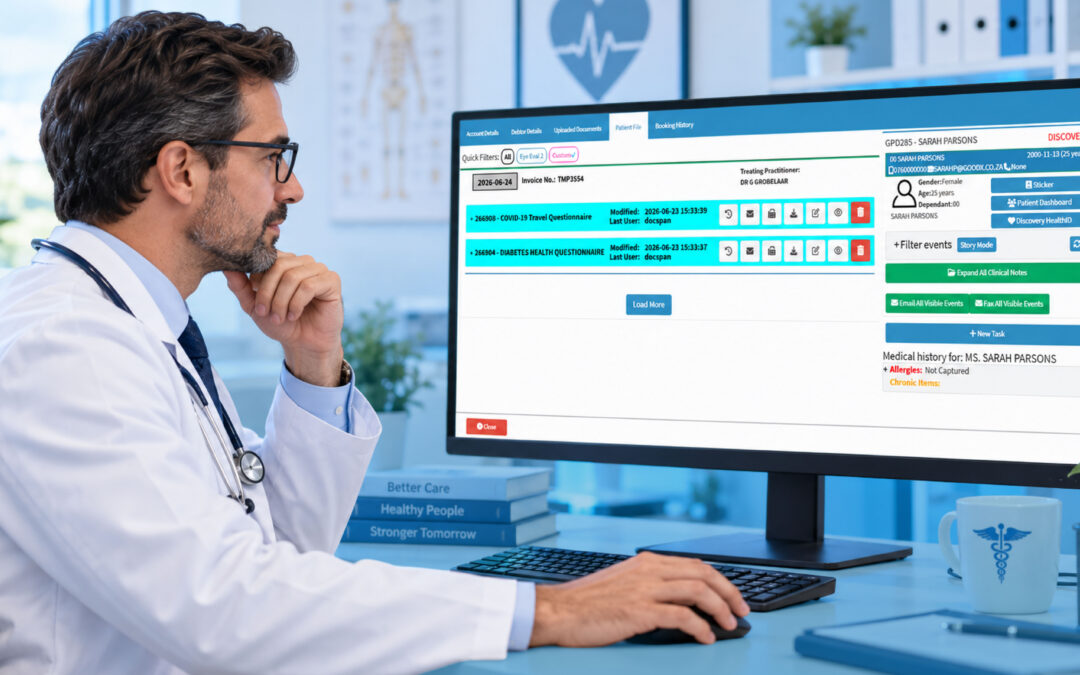
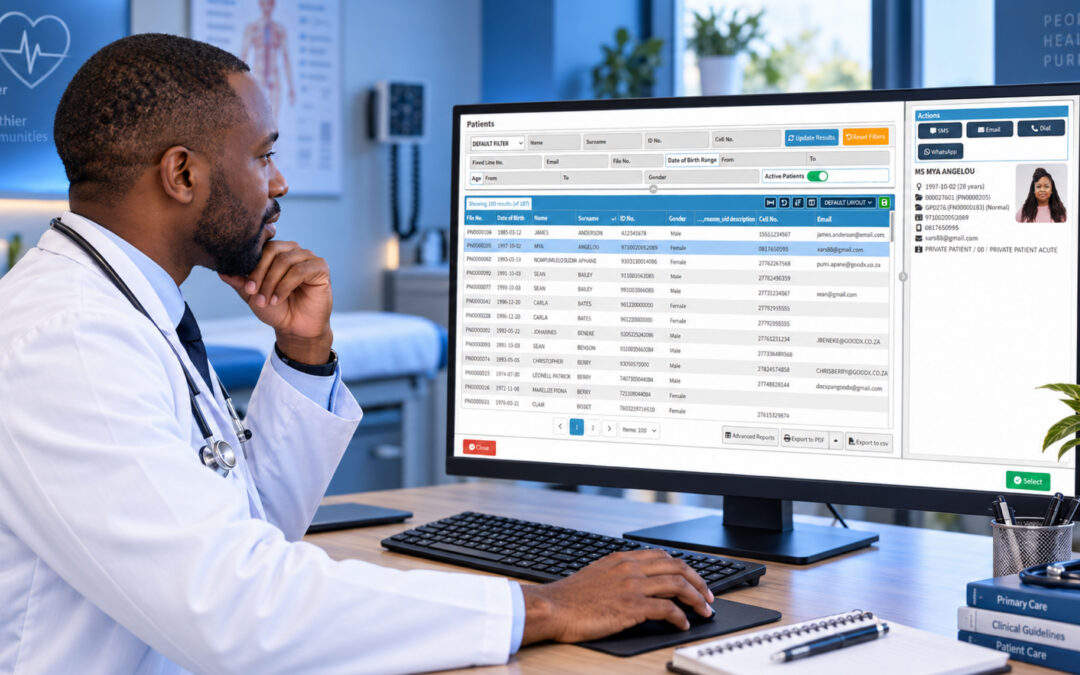
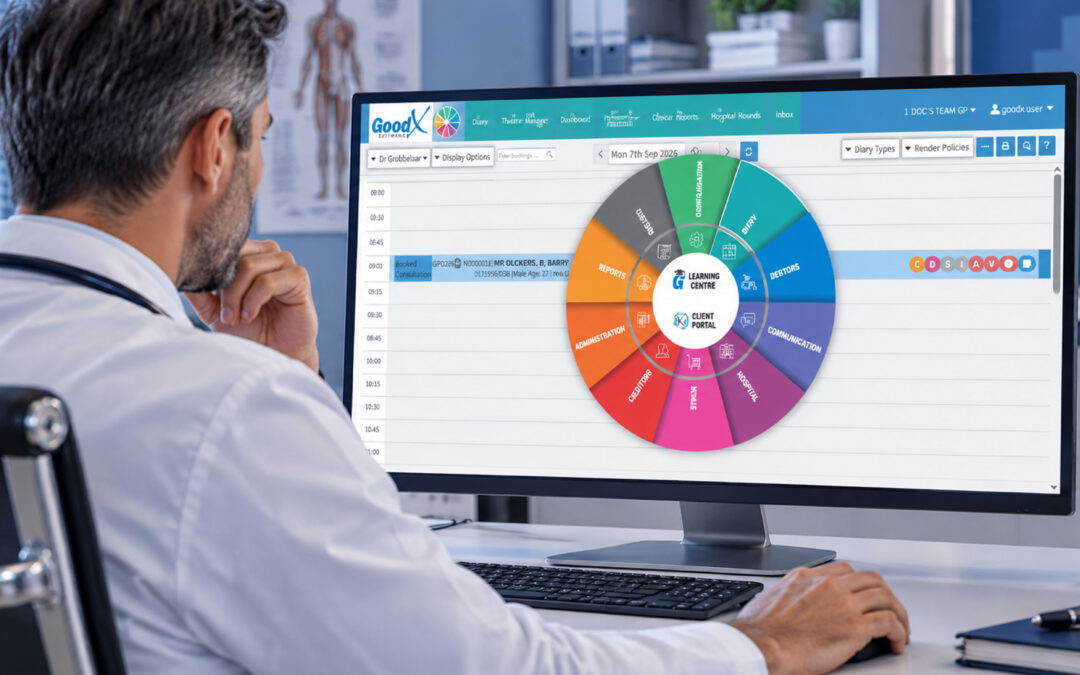
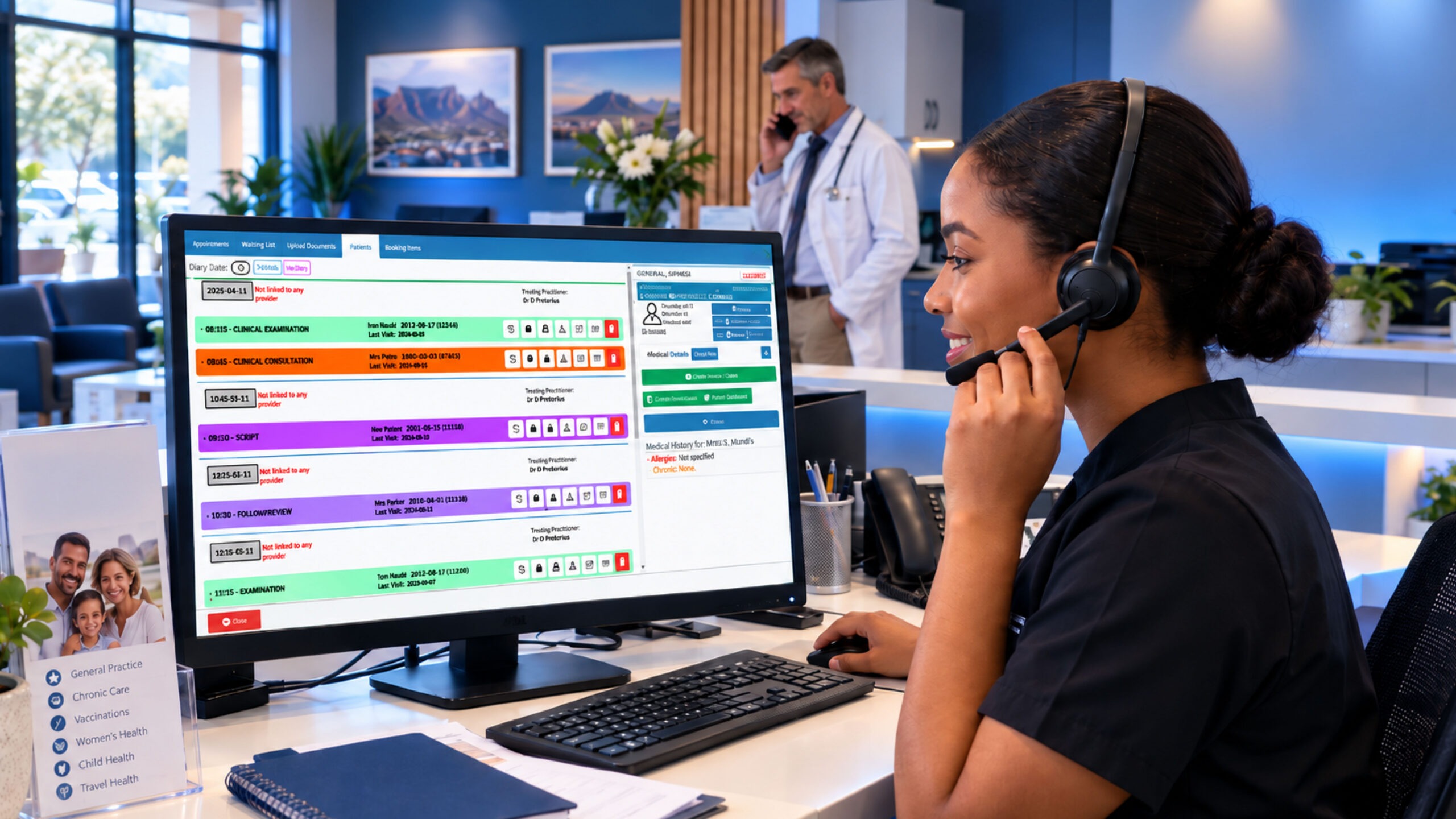
One of GoodX VoIP’s most important advantages is its ability to provide smooth communication between patients and healthcare personnel. The new functionality enables quick, easy calls by allowing direct calls from your GoodX diary or even a debtor’s account. Imagine being able to make a call straight from an appointment or task reminder, eliminating the need to manage several systems or devices. [INTERNAL LINK: see the GoodX diary and booking tools -> GoodX Diary & Scheduling page]
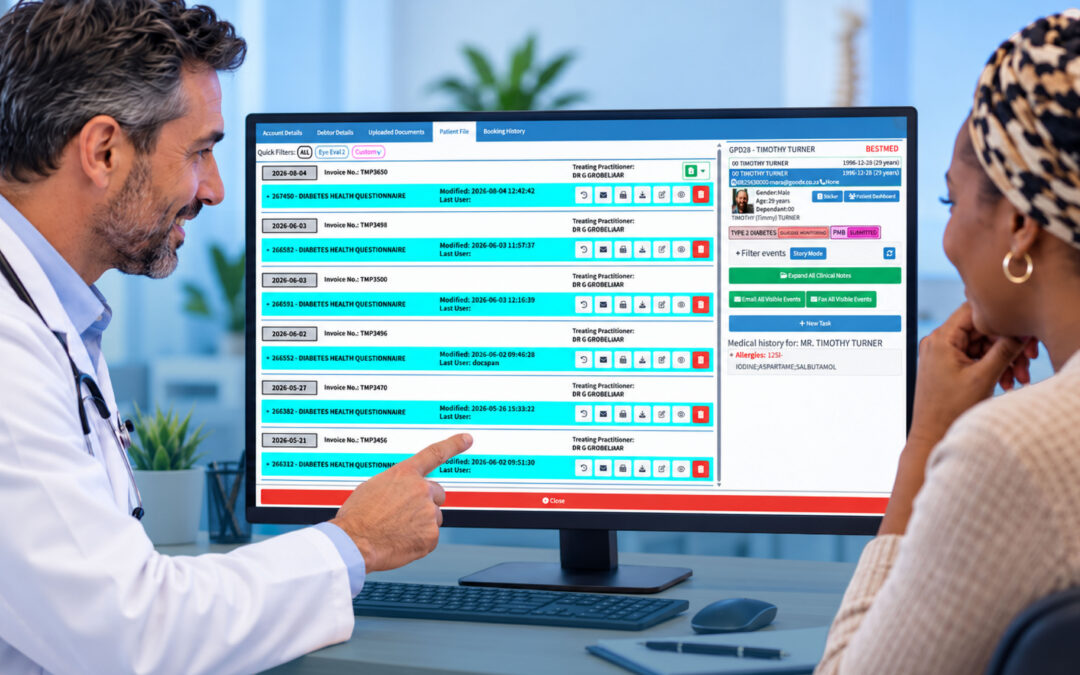
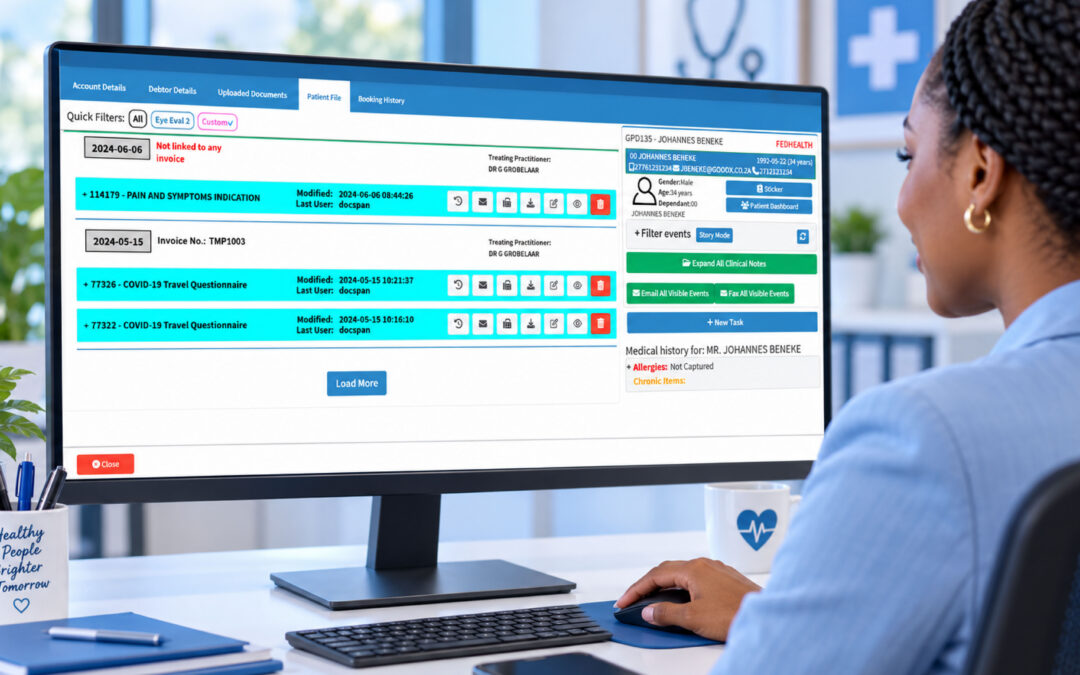
Every call is automatically registered and recorded thanks to this integration, and the recordings are saved to the patient’s file. This puts a thorough call history at your fingertips, cutting down on time spent searching for information and ensuring that patient records are complete and accurate. VoIP makes scheduling, account administration, and patient contacts more effective and individualised than before, especially for follow-ups or answering urgent questions.
Because call recordings saved to a patient’s file are personal information under POPIA, practices should let callers know that calls are recorded and treat recordings with the same care as the rest of the patient record. The Information Regulator oversees how practices handle this information.
Personalisation and Professionalism
Not only is the GoodX VoIP feature practical, but it can be tailored to your practice’s unique requirements. The custom options, which include customising on-hold messaging, forwarding calls after hours, and personalising greetings, guarantee that your practice sounds as professional as it runs. In addition to improving the patient experience, this degree of customisation communicates professionalism, which can increase credibility and confidence.
Additionally, healthcare professionals can easily route calls to the appropriate department or person thanks to features such as seamless phone transfers. GoodX VoIP makes these procedures easy and effective, whether you’re sending essential communications or transferring a conversation to another team member.
Flexibility, Compatibility, and Cost Efficiency
For healthcare professionals, flexibility is crucial in the age of telehealth and remote work, and the HPCSA’s ethical guidelines now include specific guidance on the practice of telehealth. This flexibility is offered by GoodX VoIP, which permits calls to be placed using a range of gadgets, including smartphones and specialised VoIP tools, without losing your current phone number. Whether working remotely or in the office, this adaptability guarantees that practitioners and personnel can maintain a secure connection.
GoodX VoIP is an affordable option that provides high-quality audio over the internet for healthcare practices. The functionality removes the need for expensive hardware installs and maintenance by leveraging the devices you already own, such as laptops. VoIP also significantly lowers the costs of traditional landlines, especially for long-distance and international calls, because it uses existing internet connections.
Improved Financial Management
Using VoIP can expedite financial management by providing the ability to automatically save call logs and recordings to patient files, reducing human capture errors and improving the quality of billing records. Administrative and billing staff can quickly consult recorded calls for benefit explanations or payment verifications.
Additionally, this integration reduces the likelihood of claims being denied due to insufficient information and expedites claim processing. [INTERNAL LINK: explore GoodX billing and debtors management -> GoodX Billing Solutions page]
Upgrade to a Smarter, Streamlined Experience
The implementation of GoodX VoIP is a revolutionary method of communication that helps both employees and patients. It facilitates more efficient processes, lessens communication barriers, and increases employee mobility, all of which contribute to a happier and more productive workforce. Shorter wait times, simpler access to care, and greater confidence in healthcare practitioners are all benefits of better communication for patients. VoIP can reduce operating expenses and streamline billing procedures, enabling more effective resource allocation for clinics.
Are you ready for a smarter, more efficient way to manage your healthcare practice calls directly from your GoodX Software? With GoodX VoIP, you can achieve all this and more. Contact us today to start transforming how you manage patient communication and elevate your practice to new heights of professionalism and efficiency. Get started with GoodX VoIP today.
Frequently Asked Questions
What is VoIP and how does it work in a medical practice?
VoIP, or Voice over Internet Protocol, carries phone calls over your internet connection instead of a traditional landline. In a medical practice, it lets staff make and receive calls from computers, smartphones or VoIP handsets, and with GoodX VoIP, directly from the diary or a debtor’s account.
Can I keep my current practice phone number with GoodX VoIP?
Yes. GoodX VoIP lets you keep your existing phone number while moving your calls onto the internet. Patients continue to call the same number, and your team can answer on a range of devices, whether they are in the practice or working remotely.
Are calls recorded and saved to the patient file?
Yes. GoodX VoIP automatically logs and records calls and saves the recordings to the relevant patient’s file. This gives staff a complete call history for follow-ups, account queries and payment verifications, so practices should inform callers that calls are recorded.
Does VoIP reduce a practice’s phone costs?
In most cases, yes. VoIP uses your existing internet connection and devices you already own, which reduces the need for expensive phone hardware and maintenance. It also lowers the cost of long-distance and international calls compared with traditional landlines.
What features does GoodX VoIP offer?
GoodX VoIP offers calling from the GoodX diary and debtor accounts, automatic call logging and recording, custom greetings and on-hold messages, after-hours call forwarding and call transfers. It works on laptops, smartphones and dedicated VoIP devices without changing your number.
Book your free GoodX demo
If you’re juggling separate phone systems and patient records and want to see how integrated calling could work for your team, it’s worth taking a look firsthand. Book a free demo at goodx.co.za and walk through how GoodX VoIP handles your calls, recordings and patient communication in one place.
Disclaimer: This article is provided for general informational and educational purposes only. While GoodX Software takes reasonable care to ensure that the information is accurate and current at the time of publication, laws, regulations, industry standards, healthcare policies and technology may change. The content should not be regarded as medical, legal, financial or other professional advice. Readers should verify information relevant to their circumstances and consult an appropriately qualified professional where necessary. GoodX Software accepts no responsibility for decisions made or actions taken solely on the basis of this content.