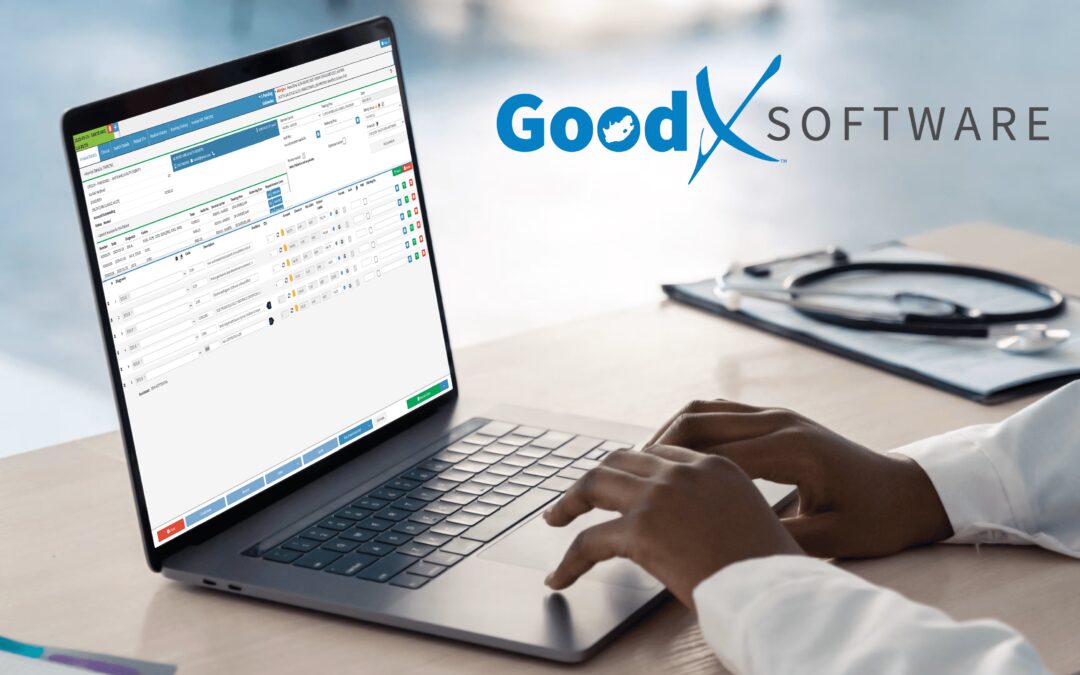
Best EHR Software for Small Practice in South Africa: What to Look For
Choosing the best EHR software for small practice in South Africa is about more than simply moving patient files from paper to a computer. The right electronic health record (EHR) should make everyday work easier, help healthcare professionals access relevant patient information, support efficient practice workflows, and protect sensitive medical data.
For a small medical practice, the decision can be particularly important. Smaller teams often have limited time, fewer administrative resources and less access to dedicated IT support. A complicated or poorly suited system can create additional work rather than reducing it.
So, what should a small South African practice actually look for when comparing EHR software?
This guide looks at the practical considerations that can help practices make a more informed decision, including usability, security, interoperability, infrastructure, support, cost and scalability. It also considers where a South African solution such as GoodX fits into the wider picture.
What Is an EHR?
An electronic health record is a digital version of information that would traditionally be kept in a patient’s medical file.
Depending on the system, an EHR can contain information such as:
- Patient demographics
- Medical history
- Clinical notes
- Diagnoses
- Medication information
- Allergies
- Treatment information
- Test results
- Referrals
- Other relevant clinical documentation
However, an EHR is about more than simply storing information electronically.
A well-designed system can help authorised healthcare professionals retrieve relevant information when they need it and can support continuity of care when patients interact with different healthcare providers.
South African research has highlighted the potential value of electronic records while also showing that implementation can be challenging. Issues such as infrastructure, skills, interoperability, organisational factors, security and policy can all influence whether an electronic health system works effectively in practice.
For a small practice, these considerations are especially relevant.
Why Small Practices Need the Right EHR
A small medical practice may have only a handful of people responsible for running the entire operation.
A typical team might include a doctor or doctors, a receptionist, practice manager and perhaps nursing or administrative staff. Unlike a large healthcare organisation, there may not be a dedicated IT department available to solve every technical problem.
That makes simplicity and reliability important.
An EHR that requires extensive training, creates unnecessary steps or frequently disrupts the consultation workflow can quickly become frustrating.
On the other hand, a system that fits naturally into the way the practice operates can help staff manage information more consistently.
The goal should not be to find software with the largest number of features.
The goal should be to find software that provides the right features without unnecessary complexity.
1. Look for Software That Fits Your Practice Workflow
One of the most important factors when choosing an EHR is usability.
Healthcare professionals already have established ways of working. The software should support those workflows rather than making everyday tasks unnecessarily difficult.
Before choosing a system, consider:
- How many clinicians will use it?
- How many administrative staff will use it?
- What types of consultations does the practice handle?
- What information needs to be recorded?
- How often will patient records be accessed?
- Which administrative processes need to be supported?
- How much training will staff require?
South African research into EHR implementation has identified resistance to technology as one potential barrier. One reason for this can be the perception that a new system is complicated or will make existing workflows more difficult.
This is why staff involvement is important.
The people who will actually use the software every day should have an opportunity to see it in action and provide feedback before the practice commits to it.
A system can look excellent in a demonstration but feel very different when someone has to use it dozens of times during a busy working day.
2. Take Patient Data Security Seriously
Medical records contain sensitive personal and health information, making security one of the most important considerations when selecting an EHR.
A practice should understand how its chosen software protects information and controls access to patient records.
Questions worth asking include:
- Who can access patient records?
- Can access permissions be assigned according to user roles?
- How is patient information protected?
- Is information encrypted?
- Are backups performed?
- Is there an audit trail?
- What happens if a computer fails?
- How is information protected during transmission?
- What happens during a service interruption?
- How are security updates managed?
The South African EHR literature highlights privacy and security as important aspects of electronic health systems. It also identifies the need for appropriate legislation, standards and policies covering issues such as privacy, security, ownership and system requirements.
Security should therefore be considered from the beginning of the selection process.
An electronic record is only useful if the information can be accessed appropriately while remaining protected from unauthorised access.
3. Consider Interoperability
Interoperability is another important consideration.
In simple terms, interoperability refers to the ability of different healthcare systems to exchange and use information appropriately.
This matters because a patient’s healthcare journey rarely takes place in only one location.
A patient may interact with:
- A general practitioner
- A specialist
- A hospital
- A pathology provider
- A pharmacy
- Another medical practice
- Other healthcare services
If every system operates completely independently, patient information can become fragmented.
Research into South African EHR implementation has identified interoperability as a significant challenge. Different systems from different vendors can use different database architectures, making it difficult for them to communicate effectively.
For a small practice, it is therefore worth asking not only whether an EHR works on its own, but also:
“How does this system fit into the wider healthcare environment?”
Find out what integrations are available, what information can be exchanged and whether there are additional costs or technical requirements involved.
4. Consider the South African Environment
An EHR designed for one healthcare environment will not necessarily be the ideal solution for every South African practice.
Healthcare practices in South Africa operate within specific technological, regulatory and business conditions.
Research has highlighted several challenges that can affect electronic health system implementation, including:
- Internet connectivity
- Electricity reliability
- Hardware availability
- Networking infrastructure
- Technical skills
- Funding
- Maintenance
- Organisational readiness
These factors should form part of the purchasing decision.
For example, if a practice operates in an area where connectivity can be unreliable, it should understand what happens to the system when the internet connection is interrupted.
Similarly, the practice should consider its hardware, backup arrangements and access to technical support.
A software platform cannot be evaluated entirely separately from the environment in which it will be used.
5. Ask About Training and Support
Buying EHR software is not the end of the implementation process.
People need to learn how to use it.
Training can be particularly important for small practices because there may not be an internal IT specialist available to assist staff.
Before selecting a system, ask:
- Is onboarding included?
- Is training available?
- How is training delivered?
- Is ongoing support available?
- What are the support hours?
- How quickly are support requests normally handled?
- Are there additional support charges?
- How are software updates communicated?
South African research has identified a shortage of ICT and health informatics skills as one of the challenges associated with EHR implementation.
This makes support an important part of the overall software evaluation.
The question isn’t simply “Does the software work?”
It is also “What happens when we need help?”
6. Look at the Total Cost
Price naturally matters to a small practice, but the monthly subscription or licence price is not necessarily the full cost.
Depending on the system, practices may also need to consider:
- Setup or implementation fees
- Hardware
- Training
- Data migration
- Additional users
- Integrations
- Technical support
- Storage
- Upgrades
- Backup arrangements
A lower-cost system may not provide good value if staff have to perform large amounts of manual work around it.
Likewise, a more expensive system isn’t automatically better.
The useful question is:
“What am I getting for the total cost?”
A practice should compare the overall value and expected workload rather than focusing only on the advertised starting price.
7. Think About Scalability
A small practice can change over time.
Perhaps the practice will eventually add another doctor, employ more staff, increase patient numbers or expand into another location.
The EHR should ideally be able to accommodate reasonable growth.
Ask whether the software can support:
- Additional users
- Additional clinicians
- More patients
- Additional consulting rooms
- Multiple locations
- Changing administrative requirements
Scalability doesn’t mean a small practice needs to buy an enterprise-level system.
It simply means the software shouldn’t become a major limitation if the practice grows.
8. Don’t Ignore Reliability
An EHR becomes part of the practice’s daily infrastructure.
If it is unavailable, slow or difficult to access, the impact can extend beyond inconvenience.
South African research has identified infrastructure limitations, internet connectivity and electricity availability as potential barriers to successful implementation of electronic health systems.
A practice should therefore ask providers about reliability and contingency arrangements.
Questions might include:
- What happens during an internet outage?
- What happens if the system becomes temporarily unavailable?
- How frequently is data backed up?
- Where is data stored?
- How can the practice recover from a technical failure?
- What support is available during an outage?
These aren’t the most exciting questions during a software demonstration.
They may, however, become some of the most important ones later.
9. Test the Consultation Workflow
One of the best ways to evaluate an EHR is to stop looking at the feature list and actually test common tasks.
For example, imagine a patient arriving for a follow-up consultation.
Can the clinician quickly:
- Find the patient?
- Review previous information?
- See relevant clinical history?
- Record the new consultation?
- Update the patient’s information?
- Complete the required documentation?
Then test a new patient scenario.
How many steps are required before the clinician can start recording the consultation?
This kind of practical testing can reveal usability problems that aren’t obvious from brochures or sales presentations.
The best EHR software for a small practice should make routine work feel manageable, not like another administrative burden.
10. Involve the People Who Will Use It
The decision shouldn’t necessarily be made by one person alone.
Doctors, nurses, receptionists and practice managers may all interact with the software differently.
A clinician may focus on clinical documentation, while reception staff may be more concerned with patient information and administrative workflows.
South African research has suggested that involving users in implementation can help create a greater sense of ownership and improve the fit between the technology and the organisation’s workflow.
Before making a final decision, let the people who will use the software test it.
Their feedback can be extremely valuable.
Where Does GoodX Fit In?
For practices researching EHR software in South Africa, GoodX is one of the local solutions that may be worth including in the comparison.
The important point, however, is that GoodX should be evaluated using the same criteria as any other EHR or medical practice software.
Rather than asking whether a particular product is simply “the best”, a practice should ask whether it meets its specific requirements.
For example, a practice considering GoodX could look at:
- How well the system fits its clinical workflow
- How easy it is for staff to learn
- How patient information is managed
- What security and access controls are available
- What integrations are supported
- What training is provided
- What technical support is available
- How pricing works for the practice
- Whether the system can accommodate future growth
This is particularly important for small practices.
A system that works well for one practice might not necessarily be the right choice for another. The number of clinicians, type of practice, patient volume, administrative requirements and existing technology can all influence the decision.
The best way to evaluate GoodX—or any other platform—is therefore to test the actual workflows your practice performs every day.
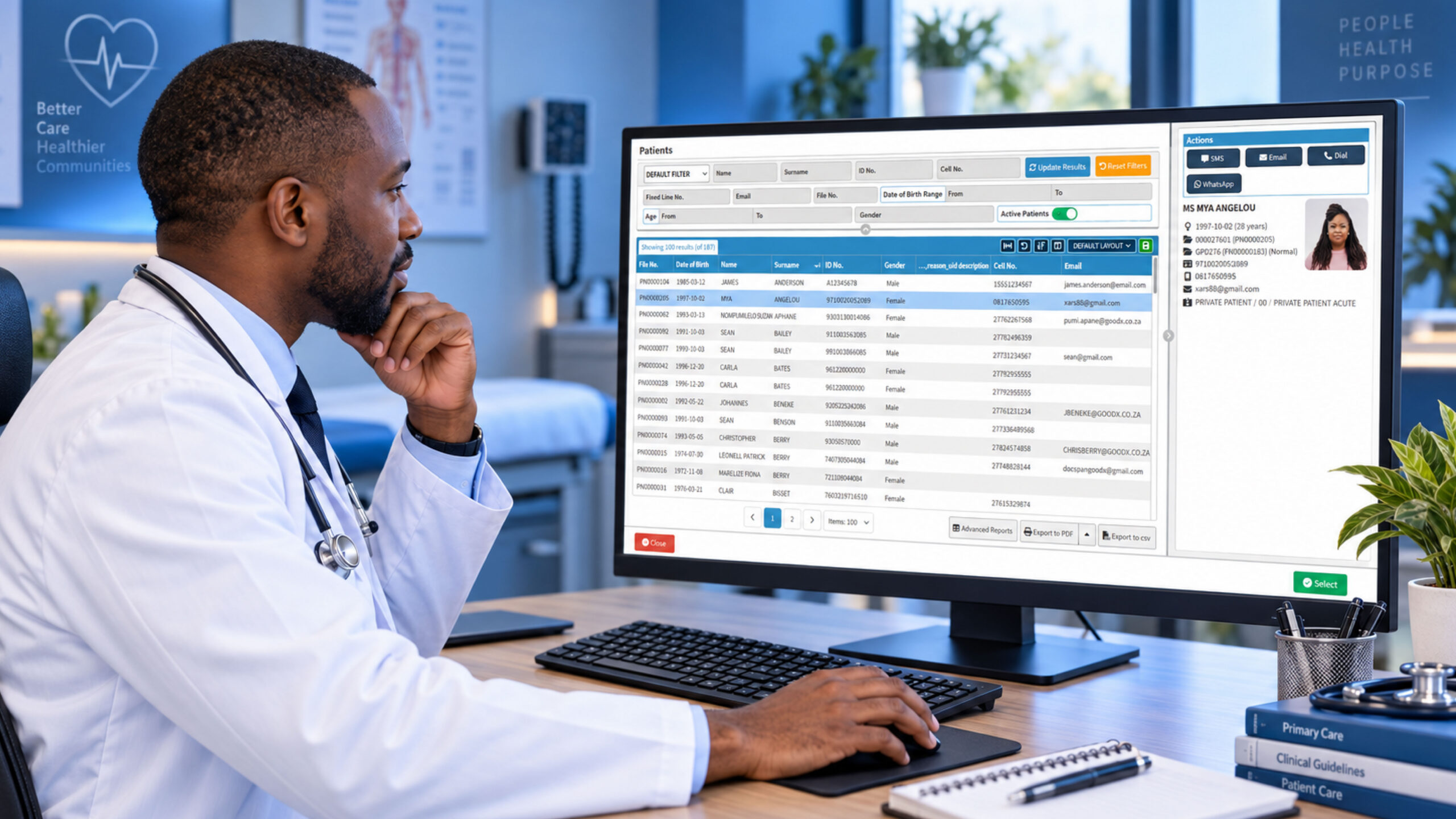
For example, ask the provider to demonstrate how a new patient is added, how an existing record is retrieved, how a consultation is documented, and how information is managed throughout the patient journey.
This provides a much more useful comparison than simply counting features.
A Simple EHR Evaluation Checklist
If you’re comparing EHR platforms for a small South African practice, the following checklist can help:
| Area | Questions to Ask |
| Usability | Is the system easy to learn and navigate? |
| Clinical workflow | Does it support the way clinicians actually work? |
| Security | How is sensitive patient information protected? |
| Access control | Can different users have appropriate permissions? |
| Interoperability | Can it communicate with relevant external systems? |
| Reliability | What happens if connectivity or the system fails? |
| Support | How quickly can staff get help? |
| Training | What onboarding and training are available? |
| Cost | What is the total cost, including extras? |
| Scalability | Can the system grow with the practice? |
| Infrastructure | Is it suitable for the practice’s technical environment? |
| Implementation | What is involved in moving from the current system? |
Using the same checklist for every provider can make the comparison more objective.
Common EHR Selection Mistakes
Choosing an EHR can be a significant decision, and several mistakes are worth avoiding.
Choosing Only on Price
The cheapest option isn’t necessarily the most cost-effective.
Choosing the Longest Feature List
More features don’t automatically mean a better experience. Unnecessary complexity can make software harder to use.
Ignoring Staff Feedback
The people using the system every day should have a say in whether it is practical.
Forgetting About Support
Even reliable software can occasionally require assistance. Find out what support actually looks like before committing.
Overlooking Interoperability
A system that works well on its own may still cause difficulties if information needs to move between different healthcare environments.
Assuming Implementation Will Be Easy
Moving from paper records or an existing system to a new EHR involves people, processes and technology. Planning and training matter.
Final Thoughts
Finding the best EHR software for small practice in South Africa isn’t simply a matter of choosing the software with the most features or the lowest price.
It is about finding a system that fits the practice.
South African research has shown that successful electronic health record implementation involves much more than technology. Infrastructure, user skills, organisational factors, security, interoperability and implementation planning all matter.
For a small practice, those considerations can be especially important because there may be less time and fewer resources available to deal with an unsuitable system.
Whether you’re considering GoodX or another EHR platform, take the time to test the software using real-world practice scenarios. Ask questions about security, support, connectivity, integrations and total cost. Most importantly, involve the people who will actually use the system.
The best EHR software for a small practice isn’t necessarily the system with the longest list of features. It’s the system that provides the functionality the practice needs while making everyday work easier, secure and manageable.
That is the standard worth using when comparing your options in South Africa.
Contact our team to book your free GoodX demo.
Disclaimer: This article is provided for general informational and educational purposes only. While GoodX Software takes reasonable care to ensure that the information is accurate and current at the time of publication, laws, regulations, industry standards, healthcare policies and technology may change. The content should not be regarded as medical, legal, financial or other professional advice. Readers should verify information relevant to their circumstances and consult an appropriately qualified professional where necessary. GoodX Software accepts no responsibility for decisions made or actions taken solely on the basis of this content.