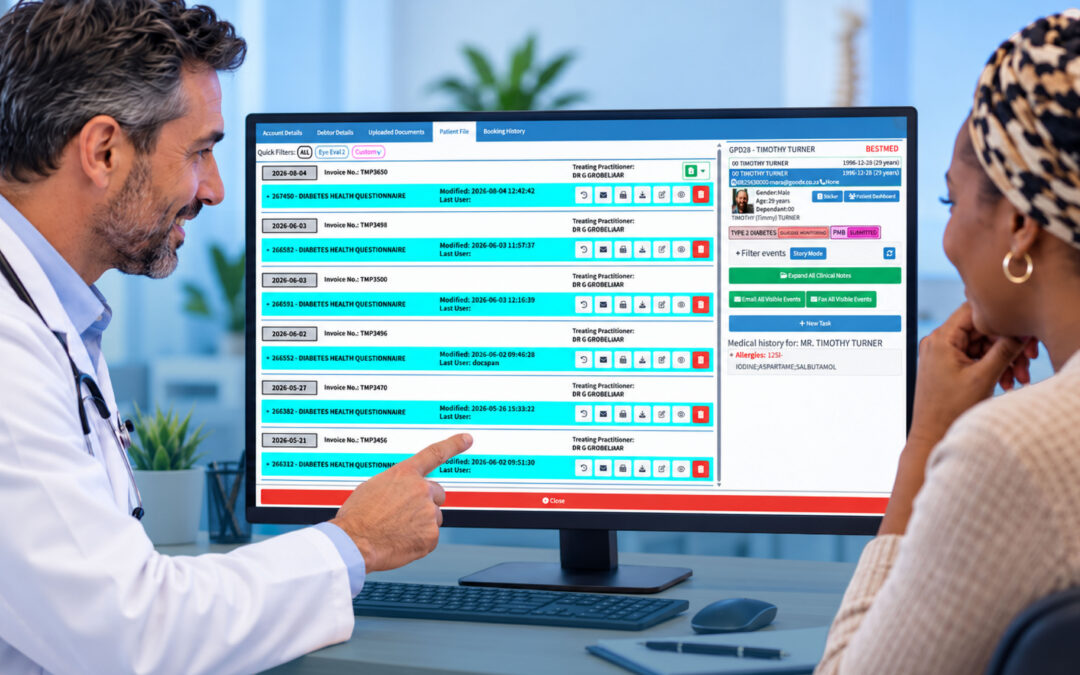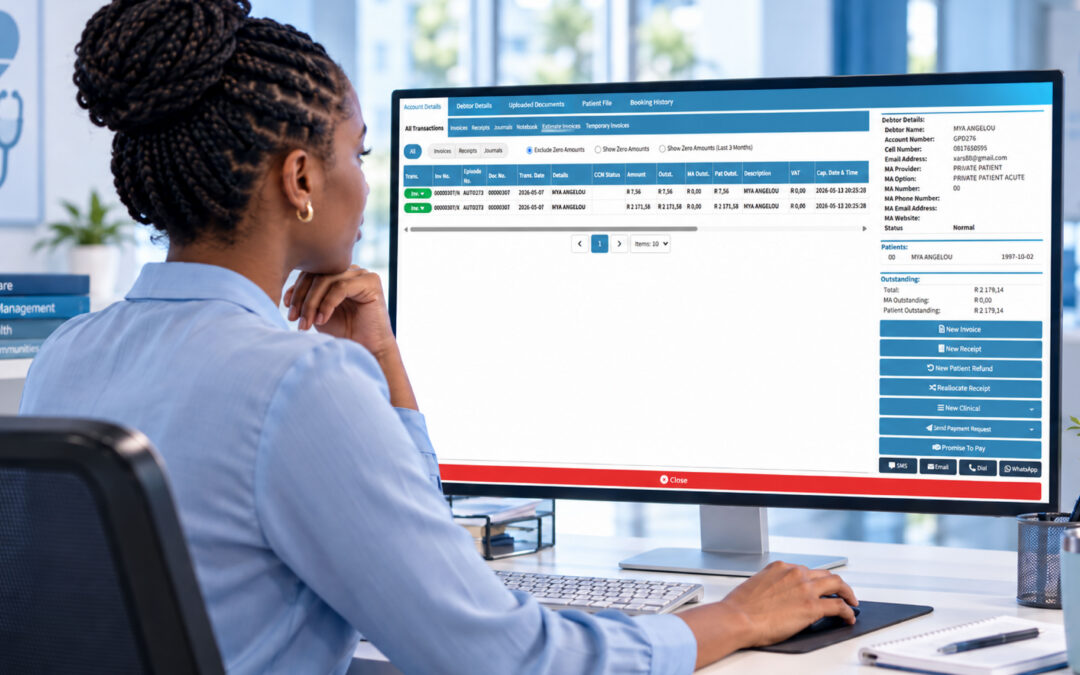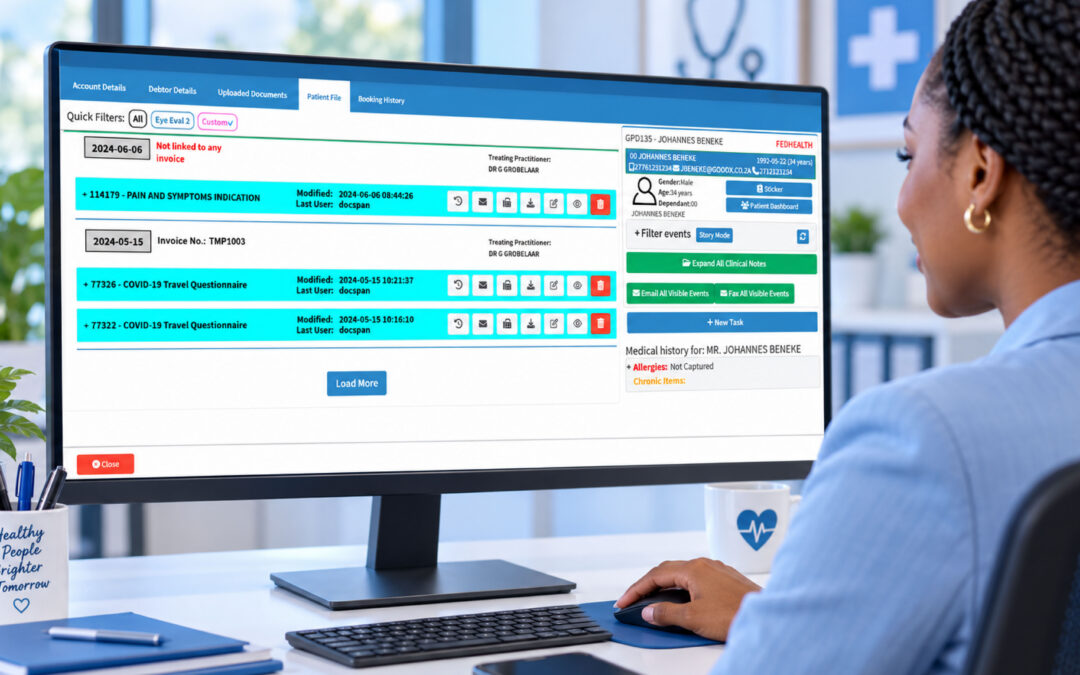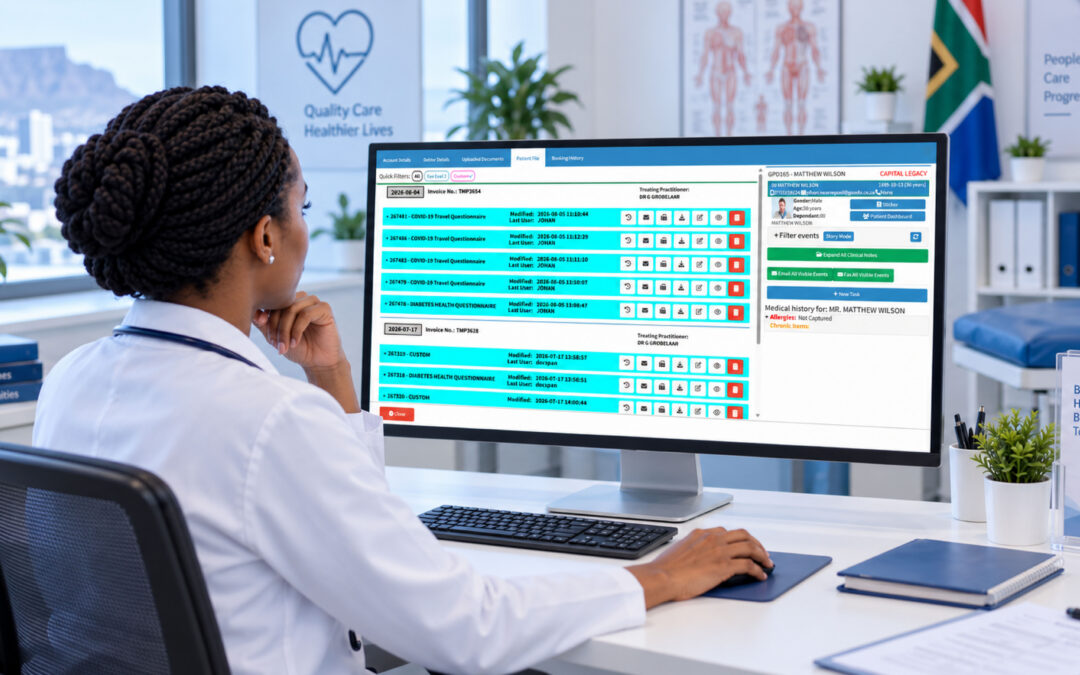
Friday, 11am. Reception has nine people waiting, two phones ringing, and a walk in who swears she booked for today. Somewhere in that scrum a 3pm slot has quietly fallen through because nobody confirmed it. That gap is money, and it is the exact problem healthcare scheduling software is built to solve.
Most practices still run their day on a mix of a paper diary, a shared spreadsheet, and memory. It works until it does not.
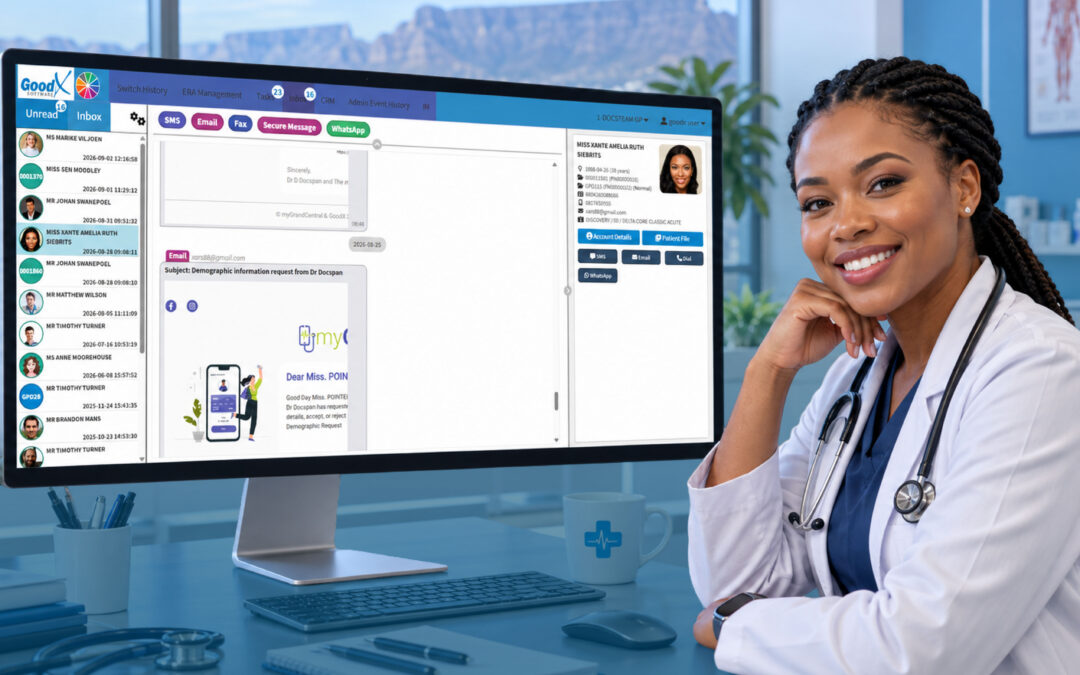
Good scheduling software pulls all of that into one place and then does the chasing for you. Reminders go out automatically. Patients book themselves online after hours. Cancelled slots get offered to a waiting list before they go cold. None of it is glamorous, but it is the difference between a calm front desk and a chaotic one.
What Healthcare Scheduling Software Actually Does
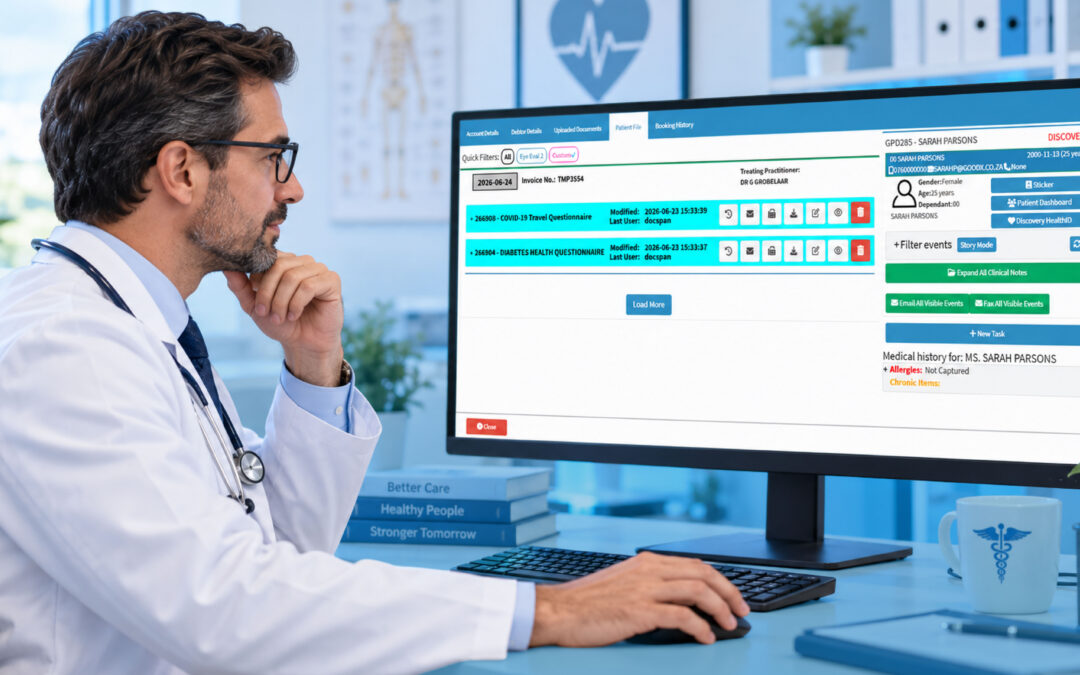
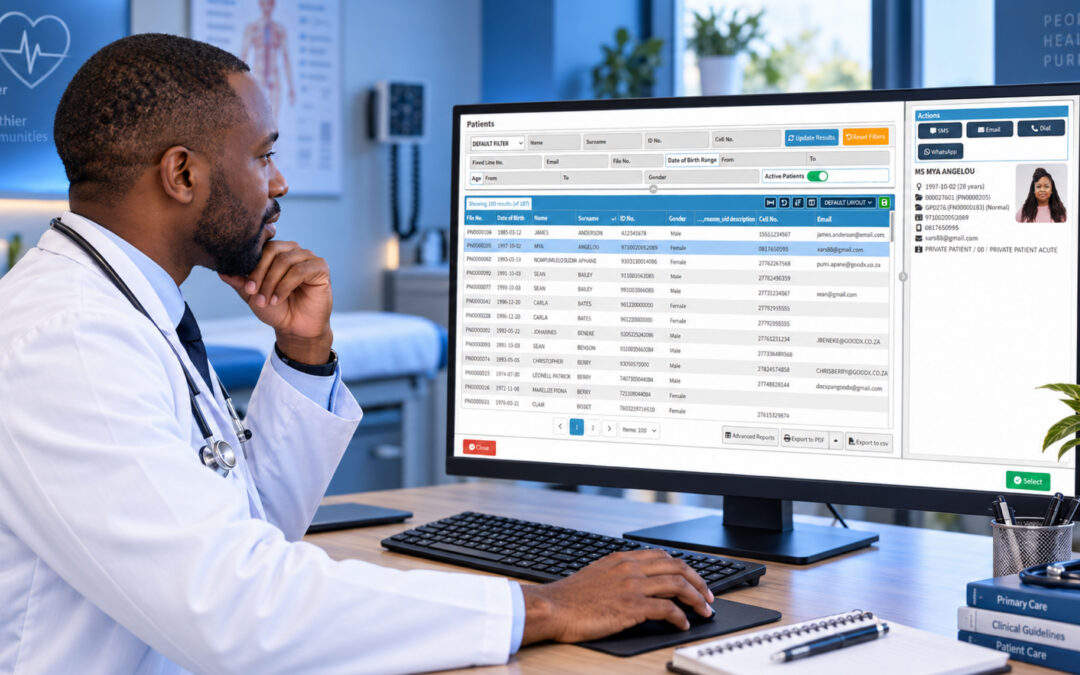
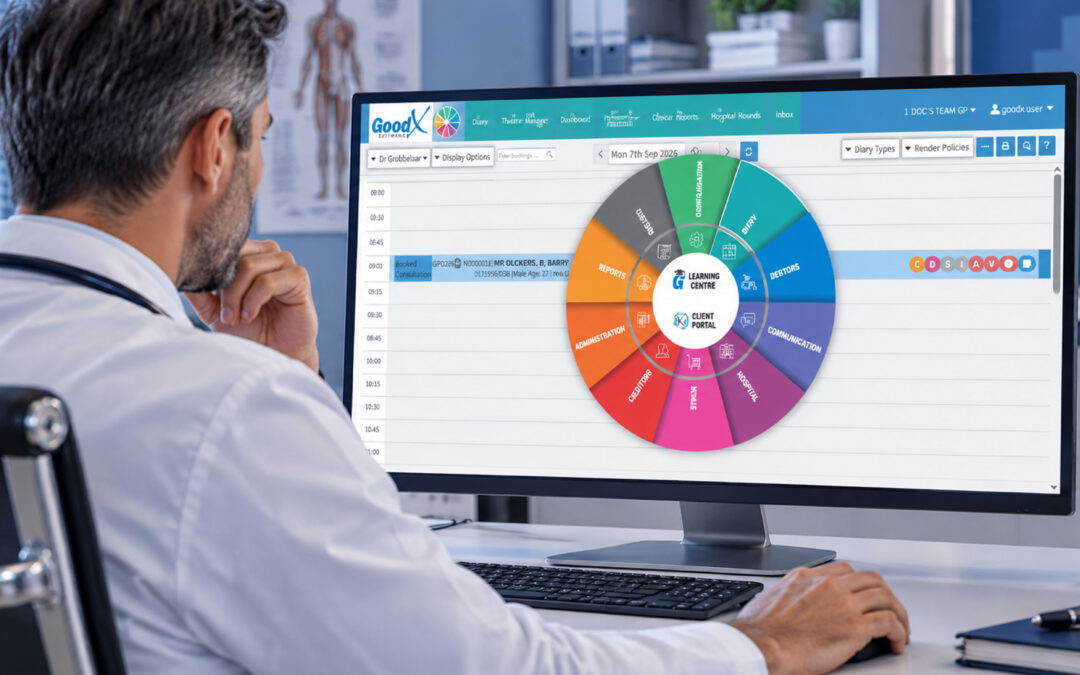
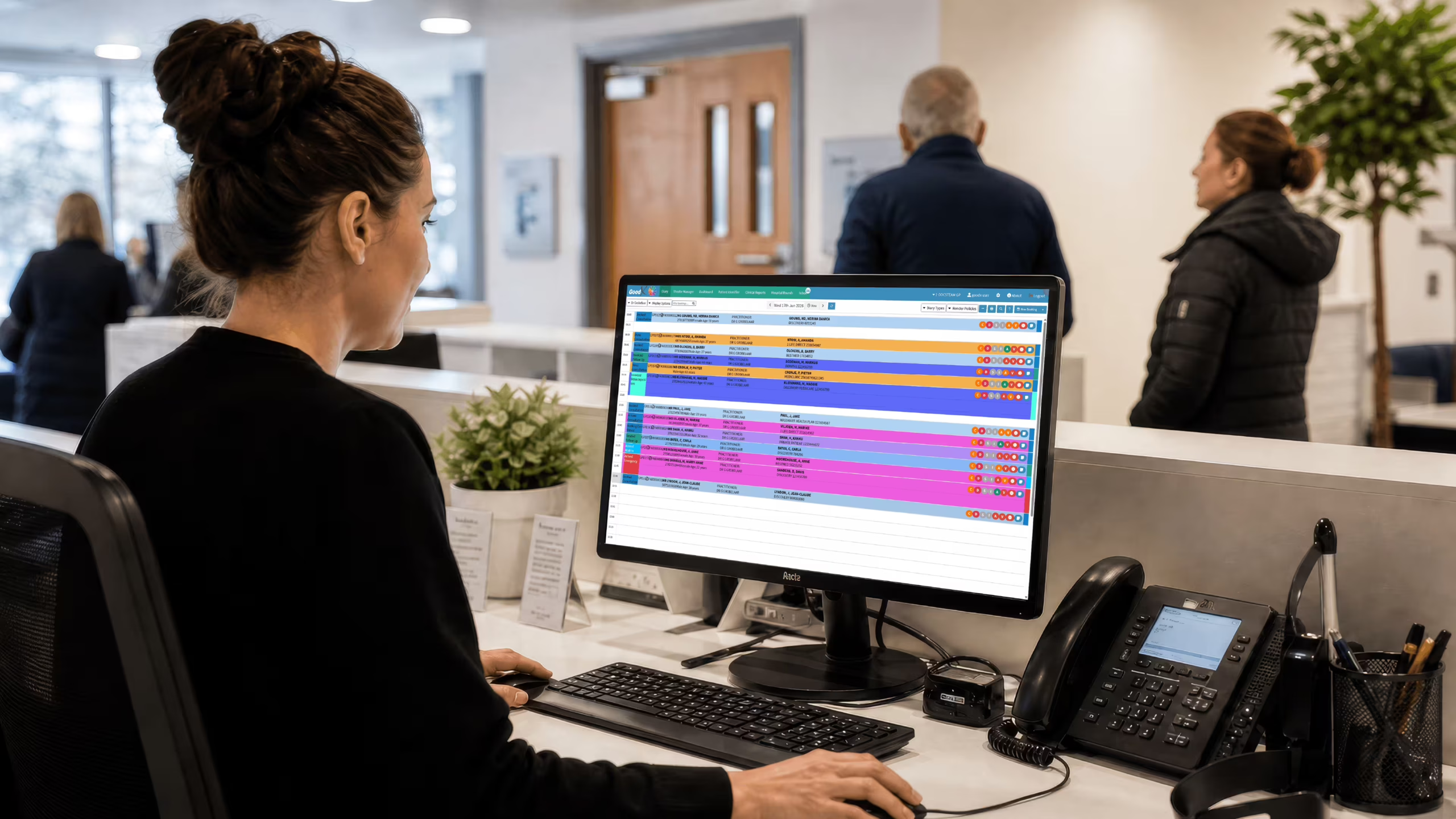
At its core, the software replaces the manual diary with a live, shared view of every clinician’s day. Book a patient once and everyone sees it, from the GP to the billing clerk.
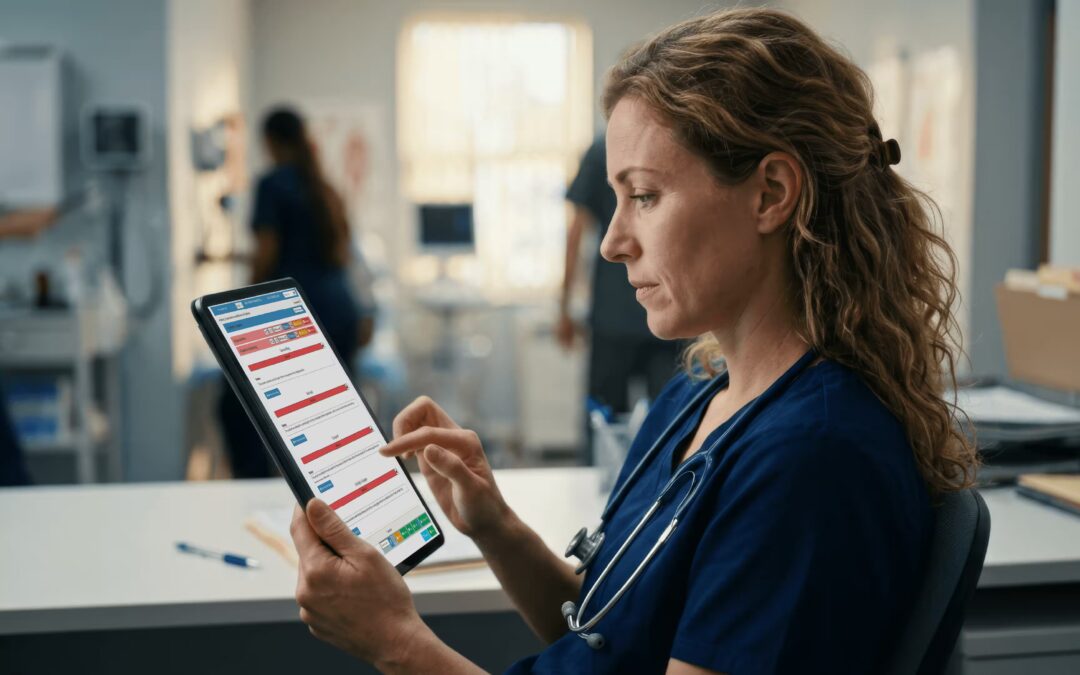
The features that move the needle are the unglamorous ones. Automated SMS and email reminders cut no shows, and practices that switch them on often see missed appointments drop sharply within a month or two. Online self booking takes pressure off the phones during your busiest window. Recall reminders bring chronic patients back for their three month check without anyone having to remember. Double booking warnings stop the awkward 9am clash before it happens.
Reducing no shows is not a vanity metric. Missed appointments waste clinician time and delay care for the patient who needed that slot, a point the World Health Organization makes repeatedly in its work on health system efficiency.
AI Clinical Notes Software
Scheduling rarely lives on its own anymore. The same systems increasingly bundle AI clinical notes software, and the pairing makes sense once you see a day end to end.
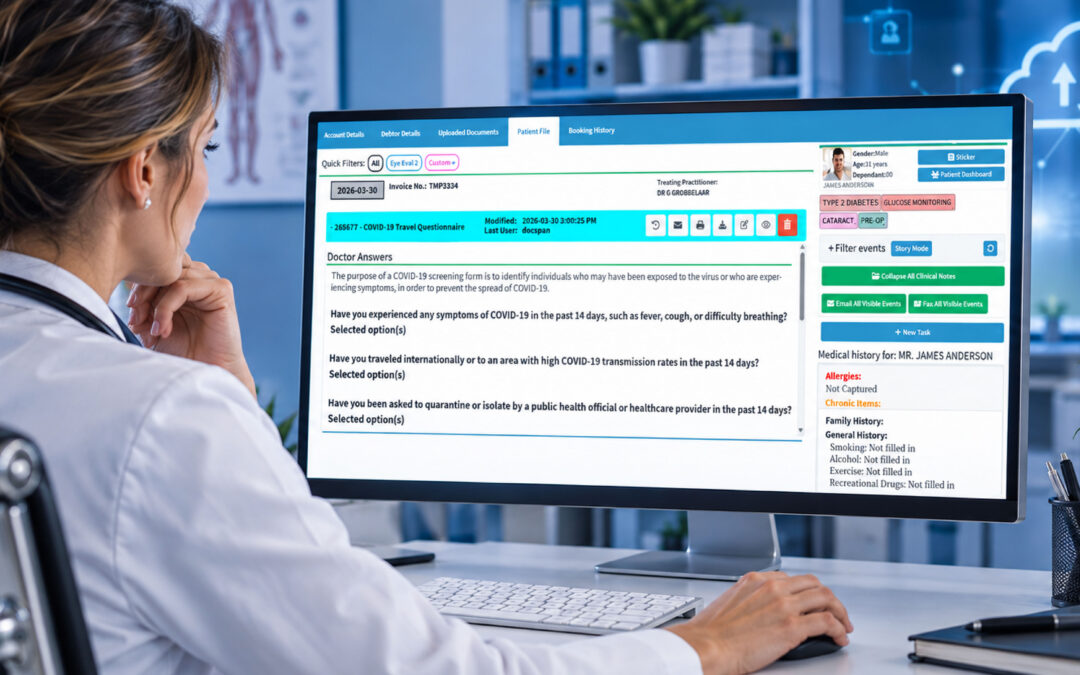
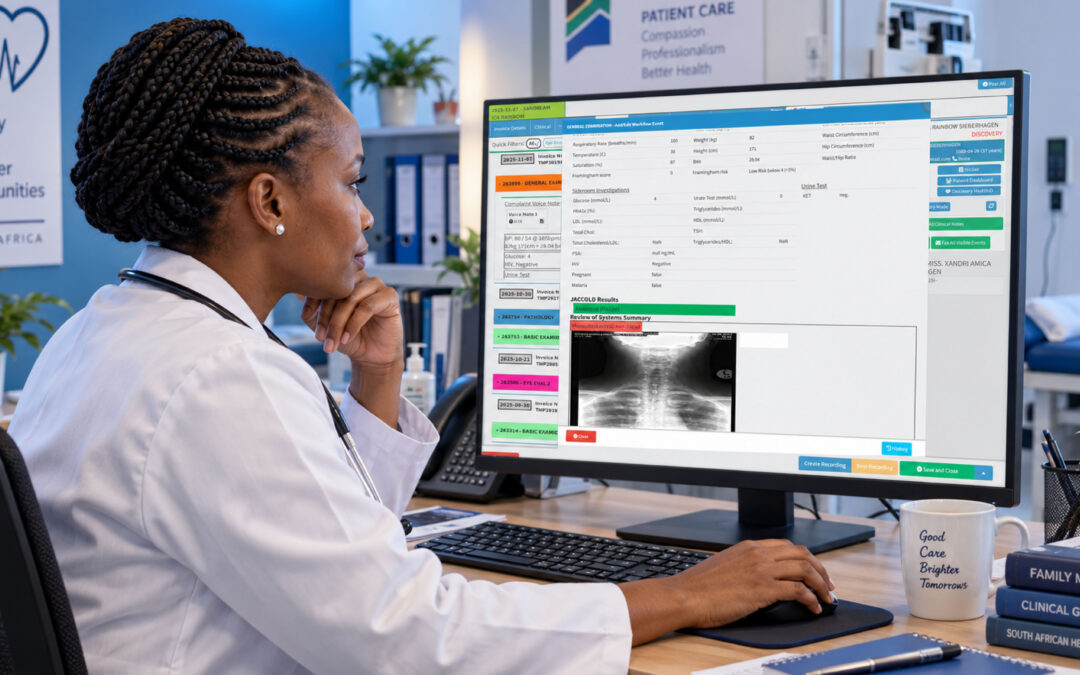
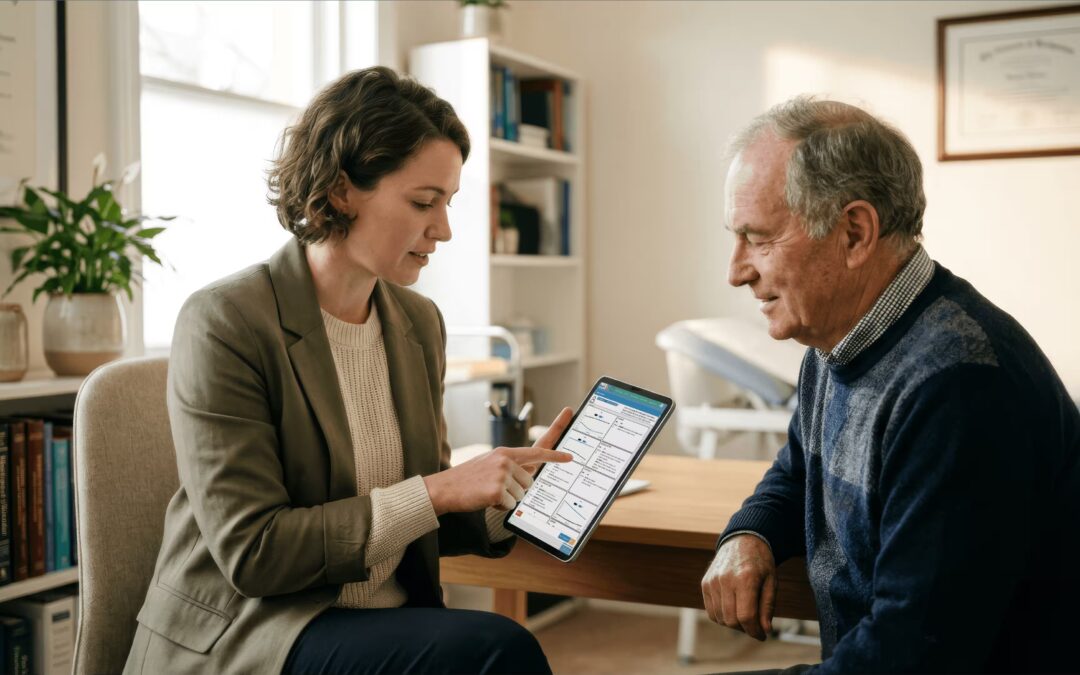
Here is the workflow. The diary tells the system who is coming in and when. During the consult, an ambient tool listens and drafts a structured note. By the time the patient leaves, you are editing a draft rather than starting from a blank screen at 6pm. The note then feeds straight into billing, so the codes line up with what actually happened in the room.
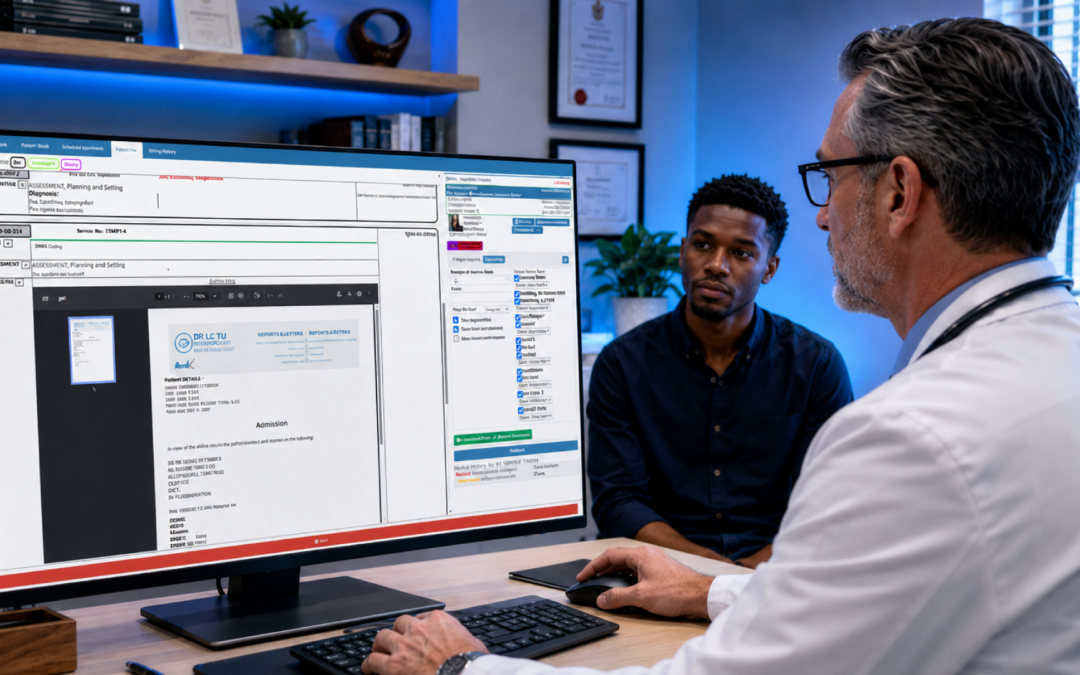
It is not magic, and it is not always right. You review and sign off, every time. But for a GP doing 30 consults a day, shaving even three minutes of typing off each one gives back well over an hour. The Health Professions Council of South Africa still holds you responsible for the accuracy of the record, so treat the draft as a starting point, not gospel.
What is the most used software in healthcare?
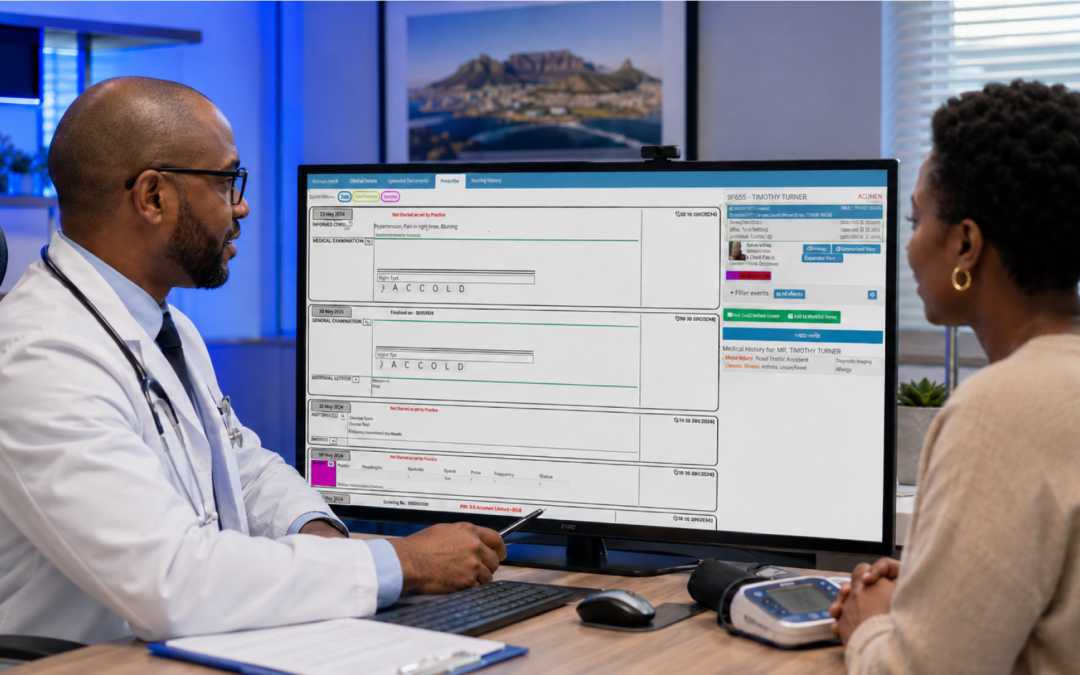
Ask ten practice managers and you will get a slightly different answer each time, but the honest one is this: the most used software in healthcare is the practice management system that ties everything together. Scheduling, clinical records, and billing in a single platform.
Standalone diary apps look cheaper on day one. They cost you later, when the same patient details get retyped into three different programs and the inevitable mismatch causes a rejected claim. A connected system avoids that whole category of error.
Research collected in The BMJ consistently links integrated digital records with fewer administrative errors and better continuity of care. For a South African practice juggling cash patients and several medical schemes at once, that integration is the part that pays for itself.
What to Look for Before You Buy
Demos always look smooth. Your Tuesday morning will not, so test the software against your messiest day, not the tidy one in the sales pitch.
A few questions sort the serious options from the rest. Does it send reminders automatically, or does someone still have to press send? Can a patient reschedule themselves, or does every change route back through reception? Does a cancelled slot get offered to a waiting list, or simply vanish? And when a booking is made, does it flow into the clinical record and billing, or sit in its own island.
Ease of use matters more than the feature list. If a new receptionist needs two weeks of training before they can confidently book a patient, the software is working against you. The best systems are learned in an afternoon and then mostly forgotten, because they just work.
The Hidden Cost of a Manual Diary
It is easy to treat a paper diary as free. It is not. It just bills you in time instead of rands, and the invoice never stops.
Count the minutes a receptionist spends each day phoning reminders, rebooking cancellations, and deciphering who is actually coming in. Across a week it adds up to hours, every one of them paid, none of them spent on the patient standing at the desk. Then add the slots that sit empty because nobody filled a last minute cancellation.
Automation does not replace your reception team, it gives them their day back. The reminders send themselves. The waiting list fills the gaps. Your staff move from chasing the diary to actually helping the people in front of them, which is the job they were hired for.
Reminders Patients Actually Read
A reminder only works if it lands and gets noticed, so the detail of how you send them matters more than people assume.
For most South African patients an SMS the day before still beats email, because it is read within minutes. Keep it short, include the date, time, and a simple way to confirm or reschedule. Send it too early and it is forgotten, too late and it is useless. A reminder the afternoon before, with a gentle nudge on the morning of, tends to hit the sweet spot without feeling like pestering.
Frequently Asked Questions
What is healthcare scheduling software?
It is a system that manages your practice’s appointments in one shared, live diary. It handles online self booking, automated reminders, waiting lists, and recall, replacing the paper book and stopping the double bookings that frustrate both patients and staff.
Does scheduling software reduce no shows?
Yes, noticeably. Automated SMS and email reminders are the single biggest lever, and many practices see missed appointments fall within the first month. Self booking and easy rescheduling help too, because patients can move a slot instead of simply not arriving.
Can patients book their own appointments online?
Most modern systems let patients book, reschedule, or cancel through a web link or portal, day or night. That takes pressure off the phones during your busy morning window and means fewer slots sit empty because nobody got through to reception.
Should scheduling connect to billing and records?
Ideally, yes. When scheduling, clinical notes, and billing share one system, patient details are entered once and flow through automatically. That cuts retyping errors, speeds up medical scheme claims, and gives everyone in the practice the same accurate picture of the day.
Book Your Free GoodX Demo
Scheduling works best when it is not bolted on but built into the system running your records and billing. That is exactly how GoodX is put together.
See how a calmer front desk could look in your rooms.