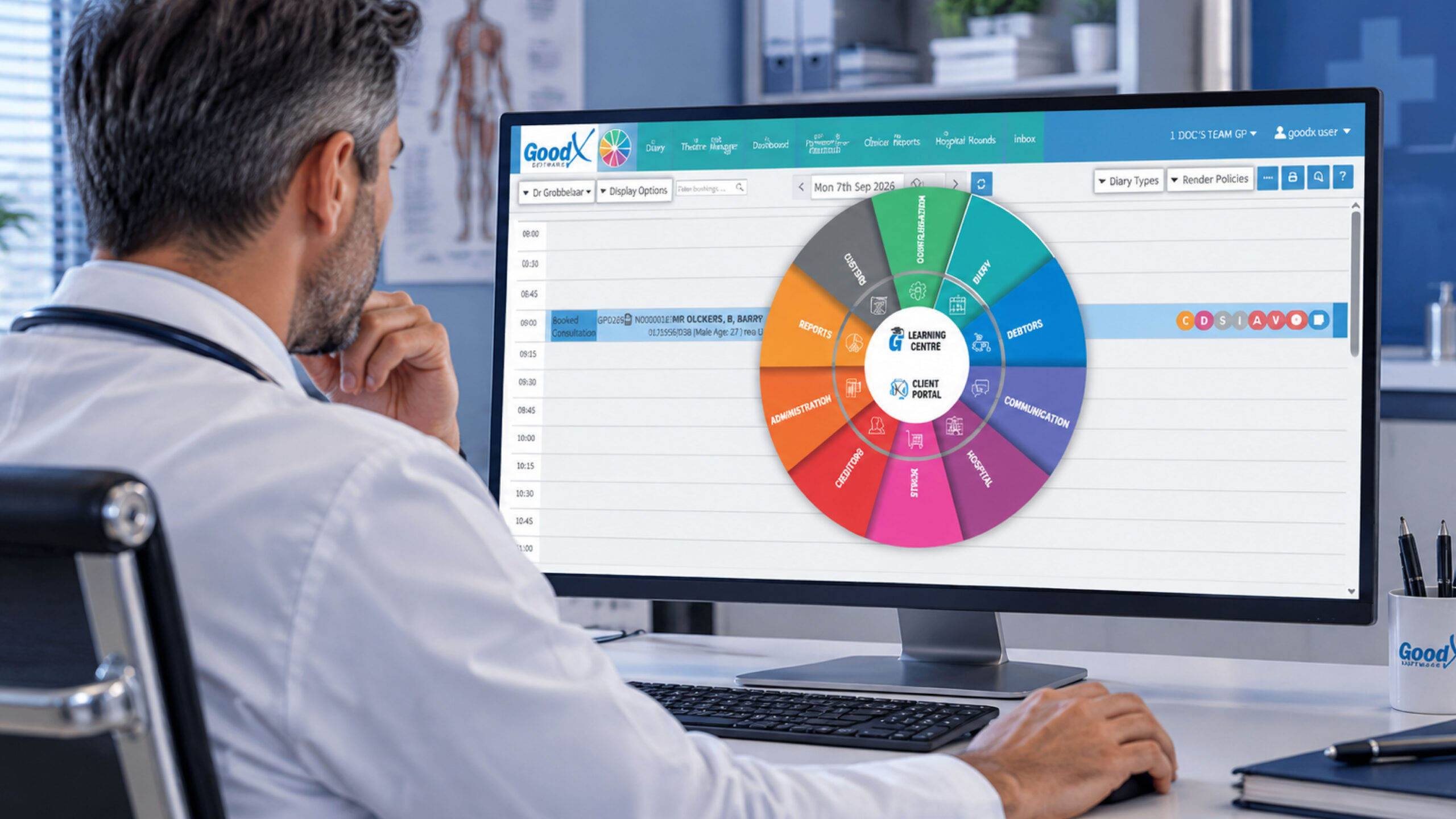
Types of Medical Software: A South African Practice Guide
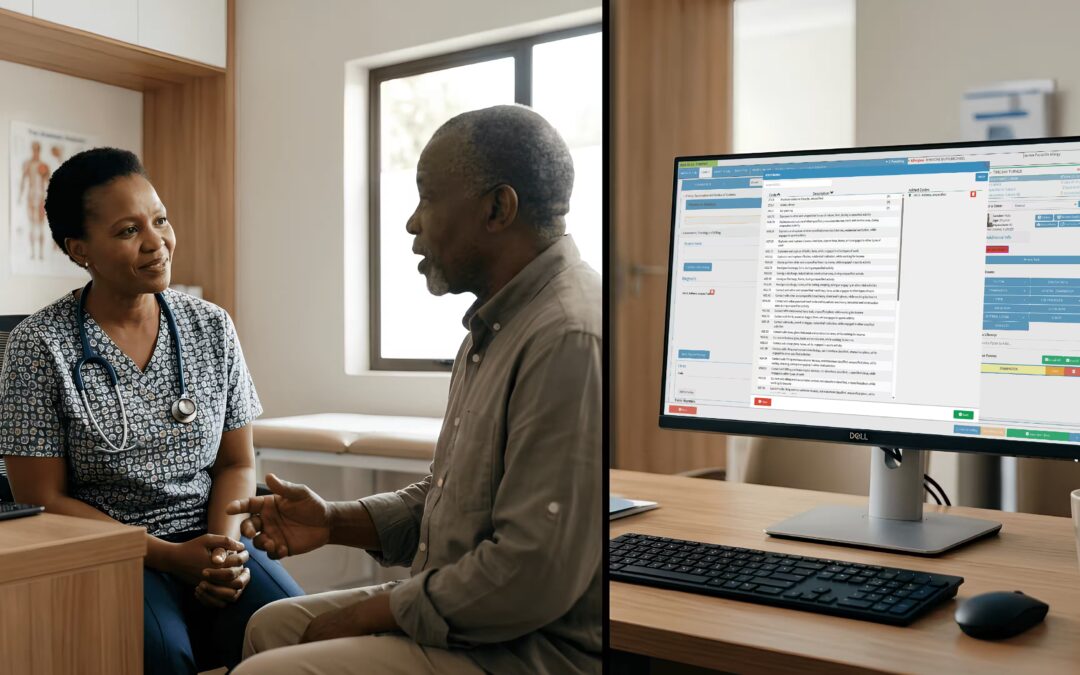
Running a modern healthcare practice involves far more than treating patients. Behind every consultation are patient records, appointments, prescriptions, billing, laboratory results, clinical decisions and communication. This is where types of medical software become important. The right technology can reduce administrative pressure, improve access to information and help healthcare professionals deliver a more connected patient experience.
But medical software isn’t one single system. Different solutions are designed for different parts of healthcare delivery. Some manage clinical records, while others handle billing, appointments, prescriptions, laboratory workflows, imaging or virtual consultations.
For South African medical practices, understanding these differences is an important first step towards choosing technology that actually fits the way a practice operates.
What is medical software?
Medical software refers to computer programs and digital systems designed to support healthcare professionals, medical practices, hospitals, patients and other healthcare organisations.
Depending on the system, medical software can help with:
- Storing and managing patient information
- Recording consultations and clinical notes
- Scheduling appointments
- Managing medical billing and claims
- Sending electronic prescriptions
- Conducting telemedicine consultations
- Managing laboratory information
- Viewing and processing medical images
- Communicating with patients
- Monitoring patients remotely
- Supporting clinical decisions
- Analysing healthcare data
Some practices use one integrated platform containing several of these functions. Others combine specialist systems from different providers.
The important thing is that not every type of medical software performs the same job.
15 Types of Medical Software Healthcare Practices Should Know
There are many different healthcare technology solutions available. Below are some of the most important categories for understanding today’s medical software landscape.
1. Electronic Medical Record (EMR) Software
Electronic Medical Record (EMR) software stores a patient’s clinical information digitally.
Instead of relying on paper files, healthcare professionals can use an EMR to record and retrieve information such as:
- Medical history
- Diagnoses
- Consultation notes
- Medications
- Allergies
- Procedures
- Test results
- Patient demographics
EMR software can make information easier to retrieve during a consultation and reduce the need for manual record keeping.
For a busy South African practice, having patient information available in a centralised digital environment can make everyday workflows considerably easier.
EMR vs EHR
The terms EMR and EHR are sometimes used interchangeably, but there is a useful distinction.
An EMR generally focuses on the patient’s digital record within a particular practice or healthcare setting. An EHR, on the other hand, is designed to provide a broader view of a patient’s health information across different providers or healthcare environments.
The distinction becomes particularly important when discussing interoperability and information sharing.
2. Electronic Health Record (EHR) Software
Electronic Health Record software provides a broader digital record of a patient’s healthcare information.
An EHR can bring together information that may include:
- Clinical history
- Diagnoses
- Medications
- Allergies
- Laboratory results
- Imaging information
- Treatment information
- Referrals
- Other relevant healthcare data
The major advantage is the potential for healthcare professionals to access a more complete picture of the patient.
EHRs can also support care coordination when information needs to move between different healthcare professionals or organisations.
For South Africa, interoperability is particularly relevant as healthcare organisations increasingly work towards more connected digital health systems.
3. Medical Practice Management Software
While EMR and EHR systems focus heavily on clinical information, medical practice management software focuses on the operational side of running a practice.
Typical functionality can include:
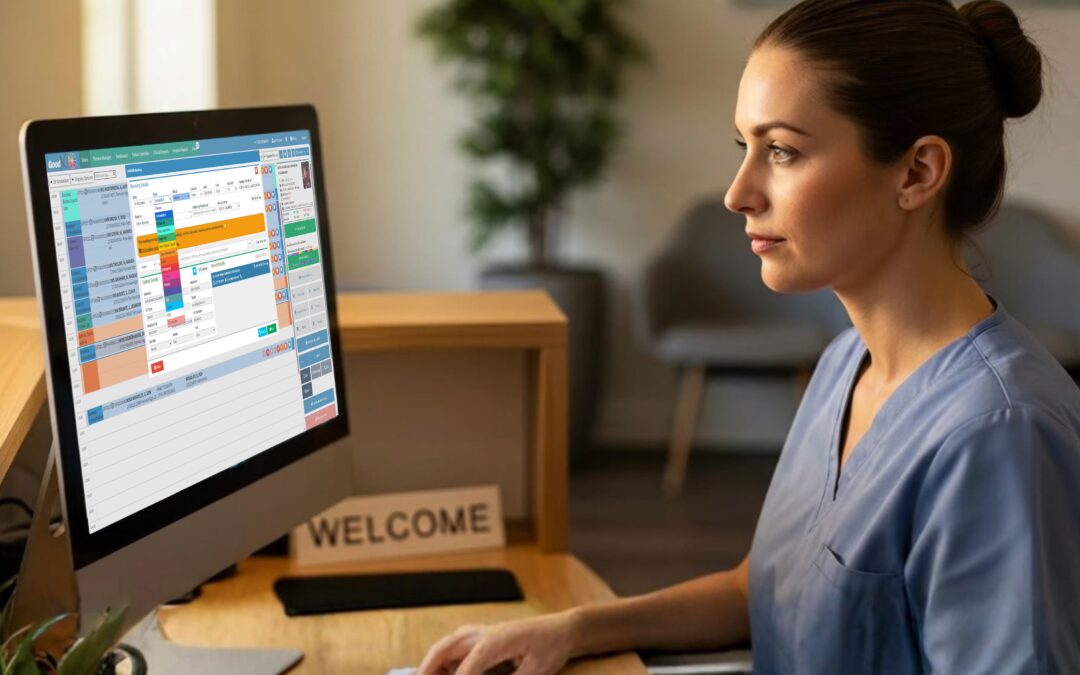
- Appointment scheduling
- Patient registration
- Patient intake
- Staff scheduling
- Resource management
- Administrative workflows
- Reporting
- Billing integration
Think of practice management software as the system helping keep the practice moving.
A practice may have excellent clinical software, but if appointments are poorly managed, administrative work is duplicated and staff cannot easily track what is happening, the technology isn’t solving the whole problem.
Where does GoodX fit?
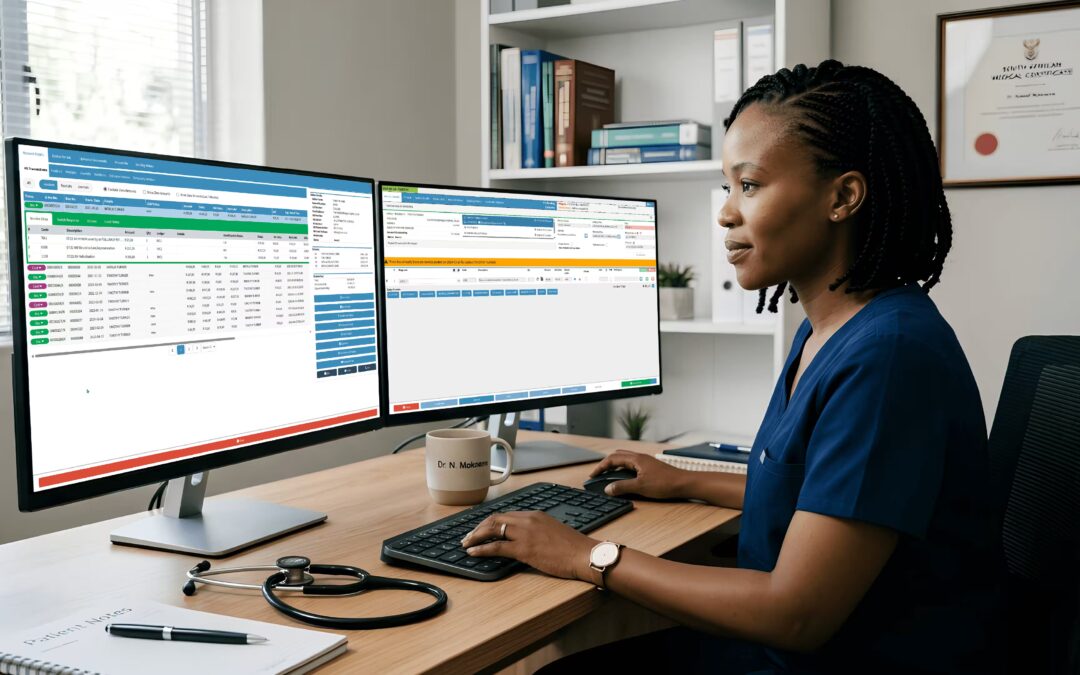
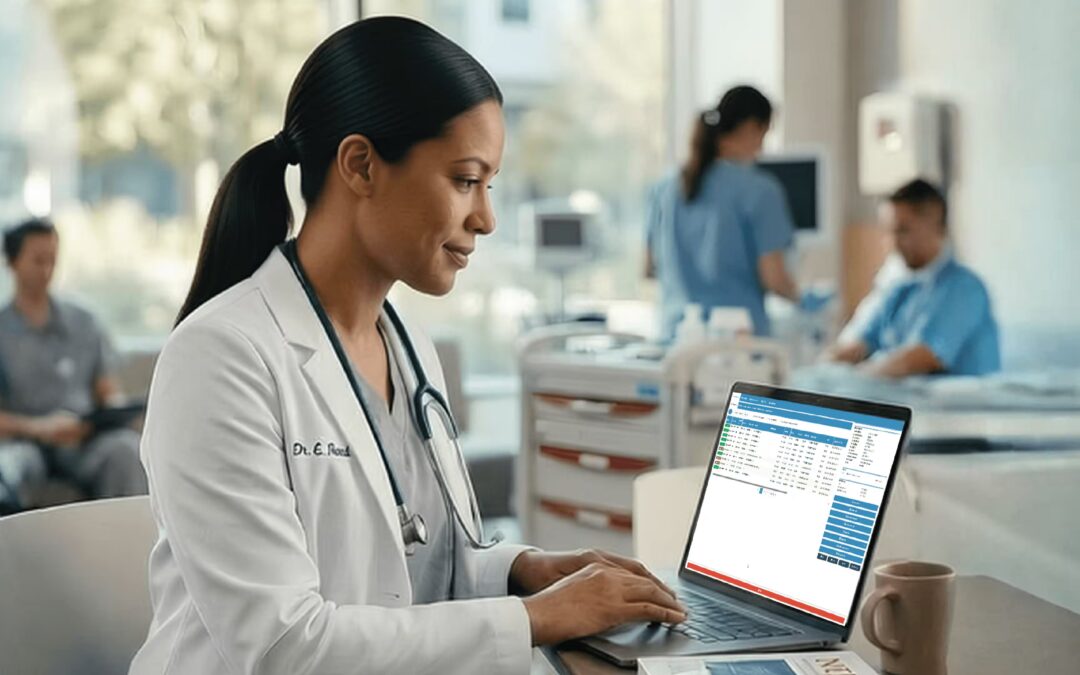
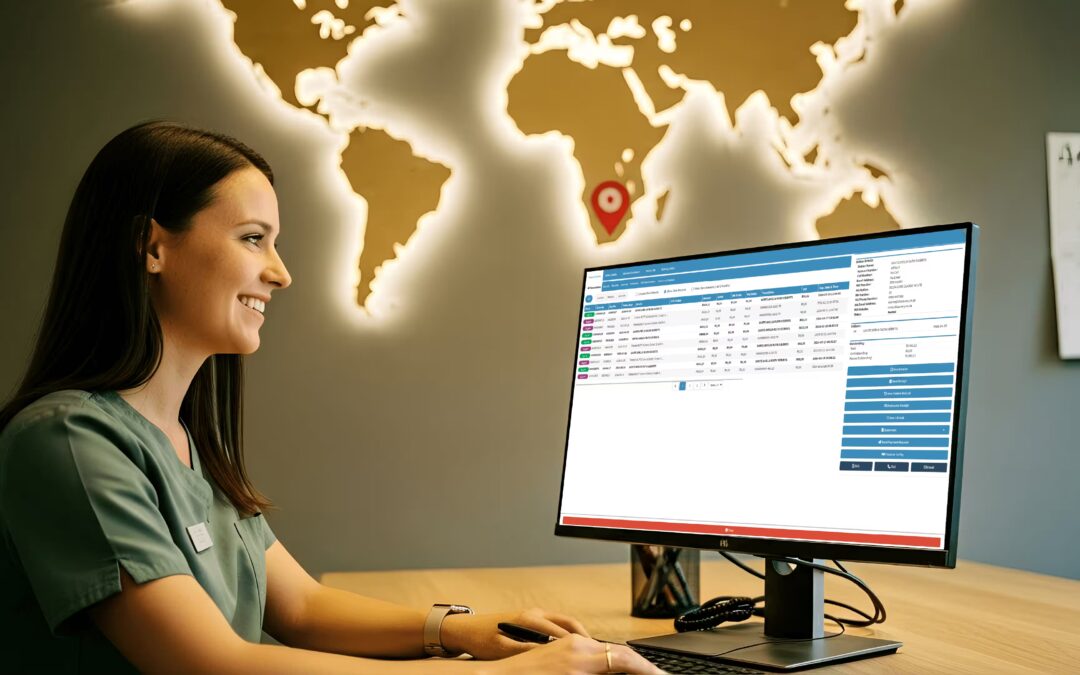
In the South African market, GoodX is an example of a healthcare software platform that brings several practice-management and clinical-administration functions together rather than focusing on only one narrow task.
Its relevance to this category is that medical practices can use an integrated approach to areas such as patient information, clinical workflows, practice administration and medical billing.
That doesn’t mean an integrated platform is automatically the right choice for every practice. Some organisations prefer specialised applications for individual functions. The important consideration is whether the system supports the practice’s actual workflow and whether the different components work effectively together.
4. Medical Billing and Claims Software
Healthcare doesn’t stop at the consultation. Practices also need to manage the financial side of delivering care.
Medical billing software helps healthcare practices manage charges, claims, payments and financial information.
Depending on the system, features may include:
- Creating claims
- Tracking claim status
- Identifying billing errors
- Managing patient accounts
- Monitoring outstanding payments
- Producing financial reports
- Supporting revenue-cycle workflows
In South Africa, billing workflows can involve patients, medical schemes and healthcare providers, making accurate administrative information particularly important.
This is another area where an integrated system can be useful. For example, when clinical information, practice administration and billing functions are connected, the practice may not need to repeatedly transfer information between separate systems.
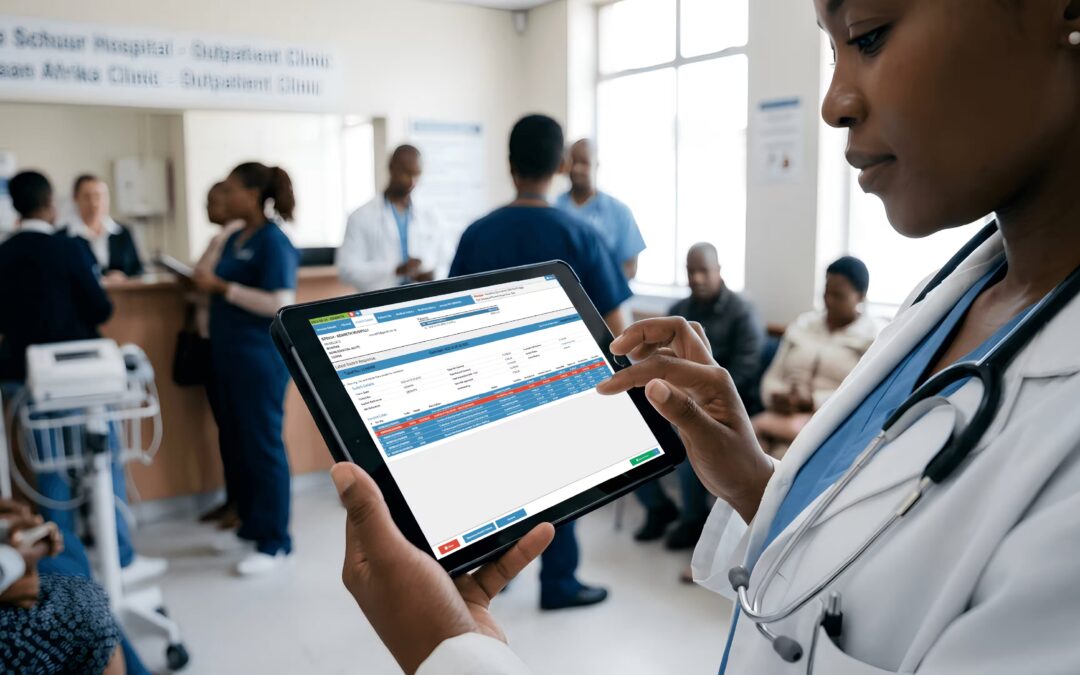
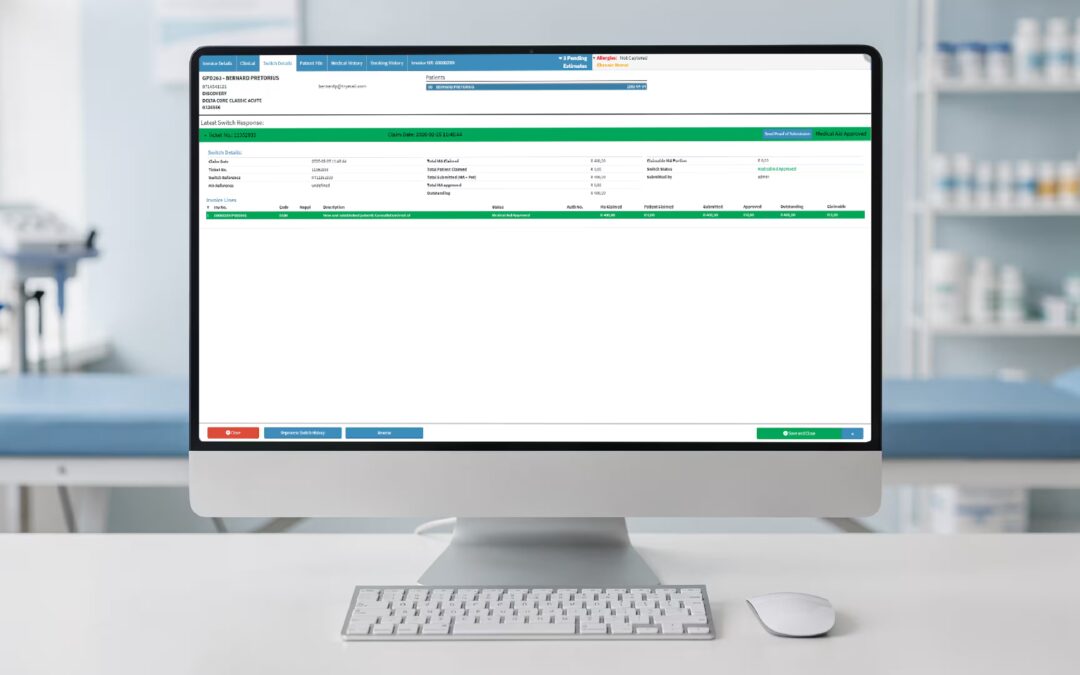
GoodX operates across this part of the medical software landscape as well, incorporating medical billing and related practice-administration functionality into its broader healthcare software environment.
For practices considering software, however, the question shouldn’t simply be whether a product has a billing module. It is worth looking at how billing fits into the complete patient and practice workflow, including coding, claims, payments, reporting and follow-up.
5. E-Prescribing Software
E-prescribing software allows healthcare professionals to create and transmit prescriptions electronically rather than relying solely on handwritten prescriptions.
These systems can help manage:
- Prescription creation
- Medication information
- Prescription renewals
- Refills
- Drug information
- Medication interactions
When integrated with an EMR or EHR, prescription information can become part of the patient’s wider clinical record.
This can help create a smoother workflow between consultation → prescription → pharmacy → patient.
Medication management is an area where accurate information matters enormously, so practices should evaluate the safety features and integrations of any e-prescribing solution before implementation.
6. Telemedicine Software
Telemedicine software allows healthcare professionals to provide certain services remotely using digital communication technologies.
Depending on the platform and clinical situation, telemedicine may include:
- Secure video consultations
- Virtual appointments
- Patient messaging
- Remote follow-ups
- Digital care plans
- Appointment management
Telemedicine can be particularly useful when patients face geographical, mobility or scheduling barriers.
However, not every consultation is suitable for remote care. Healthcare professionals still need to determine whether a patient can safely be assessed and managed without an in-person examination.
7. Hospital Information Systems (HIS)
A Hospital Information System (HIS) is designed for the more complex environment of a hospital.
Hospitals have many interconnected departments and processes, including:
- Patient admissions
- Discharges
- Clinical records
- Billing
- Scheduling
- Pharmacy
- Laboratory services
- Radiology
- Bed management
- Administrative reporting
An HIS can bring many of these processes into a connected digital environment.
Unlike software designed for a small medical practice, hospital information systems need to support larger organisations with multiple departments, healthcare professionals and operational requirements.
8. Laboratory Information Systems (LIS)
A Laboratory Information System (LIS) manages information and workflows associated with medical laboratories.
Laboratories process large amounts of information, from receiving specimens through to producing and communicating test results.
LIS functionality can help with:
- Laboratory workflow management
- Test orders
- Specimen tracking
- Results management
- Reporting
- Quality processes
- Data organisation
Connecting laboratory systems with other healthcare software can make it easier for authorised healthcare professionals to access relevant test results as part of patient care.
9. Radiology Information Systems (RIS)
Radiology Information Systems (RIS) are designed to manage information and workflows associated with radiology departments.
An RIS can support activities such as:
- Managing radiology appointments
- Tracking examinations
- Managing patient information
- Reporting
- Workflow coordination
- Linking radiology information with other healthcare systems
RIS is often used alongside PACS, which focuses on the storage and viewing of medical images.
Together, these technologies can help radiology departments manage both the information surrounding an examination and the images produced by it.
10. PACS and Medical Imaging Software
PACS, or Picture Archiving and Communication System, is used to store, retrieve and display medical images digitally.
Examples of medical imaging include:
- X-rays
- CT scans
- MRI scans
- Ultrasound images
- Mammograms
Medical imaging software is becoming increasingly sophisticated, with artificial intelligence being used in some environments to assist with image interpretation and highlight areas that may require further attention.
Importantly, AI-supported imaging is generally designed to assist healthcare professionals rather than replace clinical judgement.
11. Clinical Decision Support Software
Clinical Decision Support (CDS) software provides healthcare professionals with information that can assist clinical decision-making.
Depending on the system, this can include:
- Clinical alerts
- Drug interaction warnings
- Guidelines
- Reminders
- Diagnostic support
- Patient summaries
- Clinical recommendations
- Order sets
For example, a system may alert a healthcare professional to a potential medication interaction.
Clinical decision support is most useful when it provides relevant information without overwhelming professionals with unnecessary alerts.
The goal is not to make decisions for clinicians. It is to provide useful information at the point where a clinical decision is being made.
12. Patient Portal Software
A patient portal gives patients secure digital access to certain healthcare information and services.
Depending on the platform, patients may be able to:
- View health information
- Access clinical notes
- See appointments
- Request prescription refills
- Communicate securely with healthcare professionals
- Access selected test results
- Manage aspects of their care
Patient portals can shift some administrative activities from the practice to the patient while giving patients greater visibility into their healthcare information.
A well-designed portal should be simple enough that patients can actually use it. Technology that is technically impressive but frustrating to navigate can quickly become another administrative burden.
13. Remote Patient Monitoring Software
Remote Patient Monitoring (RPM) allows certain patient health information to be collected outside traditional healthcare settings.
Devices can potentially collect information such as:
- Blood glucose
- Blood pressure
- Weight
- Oxygen saturation
- Heart rate
The information can then be transmitted digitally for review.
RPM can be useful for managing patients between appointments, particularly where ongoing monitoring is clinically appropriate.
For example, rather than relying exclusively on measurements taken during an occasional consultation, healthcare professionals may be able to review relevant information collected over time.
14. Pharmacy Management Software
Pharmacy management software supports the operational and clinical workflows of pharmacies.
Depending on the system, functionality may include:
- Prescription management
- Medication inventory
- Stock monitoring
- Dispensing workflows
- Patient records
- Supplier management
- Reporting
- Payment processing
Pharmacy software can also form part of a broader healthcare technology ecosystem where prescriptions and patient information need to move between healthcare providers and pharmacies.
15. Healthcare Analytics and Reporting Software
Healthcare organisations generate enormous amounts of data.
Healthcare analytics software turns that data into information that can help practices and healthcare organisations understand performance and identify trends.
Analytics can be used to examine areas such as:
- Patient volumes
- Appointment patterns
- Revenue
- Claims
- Clinical activity
- Patient engagement
- Operational performance
- Resource utilisation
For practice managers, reporting can turn a collection of numbers into something much more useful: information that supports better decisions.
Where an Integrated Platform Like GoodX Can Fit
Looking at all these categories, it becomes clear why healthcare software can become complicated.
A practice could potentially use one system for clinical records, another for appointments, another for billing, another for reporting and yet another for patient communication.
Alternatively, an integrated platform can bring multiple functions together.
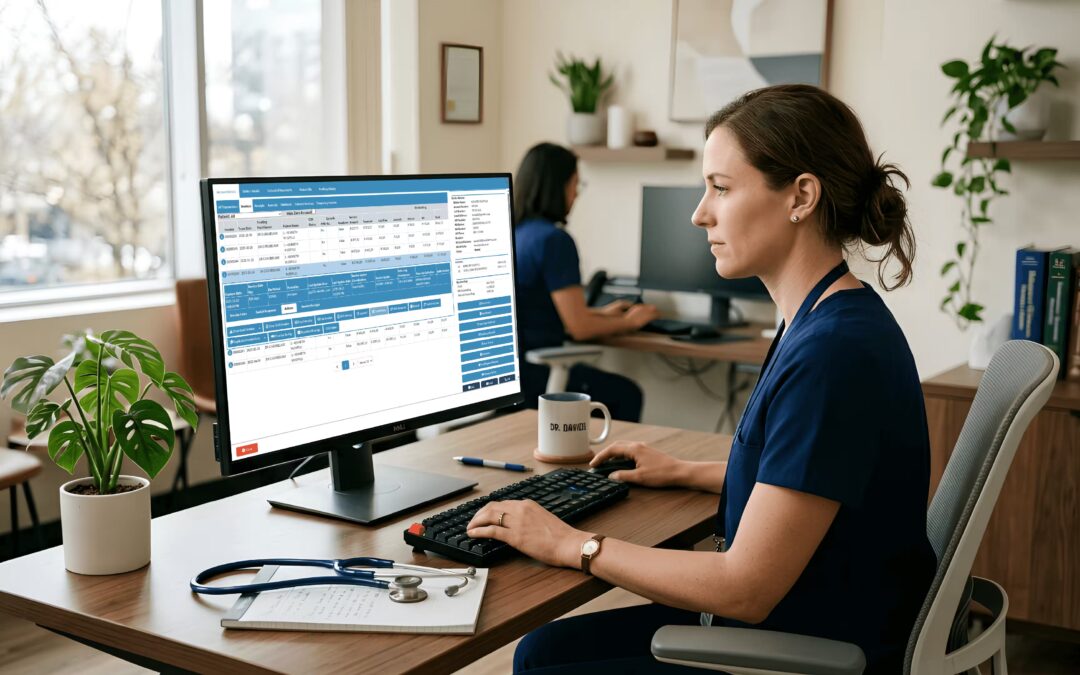
GoodX is an example of the latter approach in South Africa. Its software sits primarily within the medical practice management and healthcare administration side of the ecosystem, while connecting functions such as clinical information and medical billing rather than treating each task as a completely separate application.
That can be useful for practices that want fewer disconnected workflows and prefer having related functions within one environment.
It isn’t necessarily a question of whether an integrated platform is better than separate specialist applications. Both approaches have advantages.
The right choice depends on factors such as:
- Practice size
- Type of healthcare service
- Number of practitioners
- Administrative workload
- Existing software
- Integration requirements
- Budget
- Future growth
- Staff training and support requirements
The best medical software is ultimately the software that fits the practice, rather than the software with the longest feature list.
How Different Types of Medical Software Work Together
One of the biggest misconceptions about medical software is that every category exists in isolation.
In reality, modern healthcare technology often works as an interconnected ecosystem.
For example:
Patient books appointment → Practice management system → Consultation recorded in EMR/EHR → Prescription generated electronically → Laboratory test ordered → Results returned through LIS → Imaging managed through RIS/PACS → Billing and claims processed → Patient accesses information through a portal.
An integrated platform such as GoodX can cover several parts of the practice-management and administrative journey, while specialist systems may still be required for areas such as advanced laboratory, radiology or hospital workflows.
That is where integration and interoperability become important.
A practice may have excellent individual systems, but if those systems cannot communicate effectively, staff may end up entering the same information multiple times.
That defeats much of the purpose of digital transformation.
Should You Choose One Medical Software System or Several?
There isn’t one correct answer.
Some healthcare practices prefer an all-in-one platform that combines multiple functions.
Others choose individual specialist applications because they want deeper functionality in a particular area.
An integrated system may make sense when:
- You want fewer separate logins
- You want one primary software provider
- Your practice has limited IT resources
- You want information to flow between different functions
- You prefer a simpler technology environment
Separate systems may make sense when:
- You need specialist functionality
- You already have software that works well
- A particular department has complex requirements
- You need flexibility when choosing vendors
- Your organisation has resources to manage integrations
The most important question isn’t “Which software has the most features?”
It is:
“Which technology solves the problems our practice actually has?”
How to Choose Medical Software in South Africa
Before investing in a system, healthcare practices should consider more than the feature list.
1. Identify your biggest problems
Start with the workflow.
Are staff spending too much time on:
- Manual data entry?
- Appointment management?
- Billing?
- Claims?
- Paper records?
- Prescription management?
- Patient communication?
- Reporting?
Your problems should drive your technology requirements.
2. Consider integration
Ask whether the software can connect with the other systems your practice already uses or may need in the future.
Integration can prevent duplicated work and improve information flow.
3. Evaluate security and privacy
Medical information is sensitive.
Practices should carefully assess how patient information is stored, accessed, protected and shared, and whether the system supports the practice’s legal and regulatory obligations.
South African healthcare organisations should pay particular attention to POPIA and the protection of personal information when evaluating technology.
4. Consider usability
A system can have hundreds of features and still be a poor choice if staff find it difficult to use.
Look for software that makes common tasks straightforward.
5. Think about scalability
Your practice may change.
You could add healthcare professionals, open another location, expand services or introduce telemedicine.
Choose technology that can accommodate reasonable growth.
6. Calculate the total cost
Don’t look only at the monthly subscription.
Consider:
- Implementation
- Training
- Support
- Hardware
- Integrations
- Data migration
- Additional users
- Maintenance
- Upgrades
The cheapest software isn’t necessarily the least expensive solution over several years.
Final Thoughts on Types of Medical Software
There is no single piece of medical software that is perfect for every healthcare organisation.
A small general practice may primarily need EMR, practice management, billing, scheduling and e-prescribing functionality. A larger healthcare organisation may require an extensive ecosystem involving EHRs, hospital information systems, laboratory systems, radiology systems, PACS, pharmacy technology, patient portals and analytics.
In South Africa, platforms such as GoodX demonstrate one approach to bringing several practice-management and healthcare administration functions together, while other organisations may choose a collection of specialist systems.
The important thing is to understand what each type of medical software is designed to do before deciding how those technologies should fit together.
The right solution depends on the size and type of organisation, the services it provides, its workflows, its budget and its future plans.
The goal should not simply be to buy the software with the longest feature list.
Instead, start with the patient journey and the daily workflow.
What information needs to be captured? Who needs access to it? Where does it need to go next? Which tasks can be automated? And how can technology make life easier for both healthcare professionals and patients?
Once those questions are answered, the different types of medical software become much easier to understand , and choosing the right technology becomes a far more practical decision.
Contact our team to book your free GoodX demo.
Disclaimer: This article is provided for general informational and educational purposes only. While GoodX Software takes reasonable care to ensure that the information is accurate and current at the time of publication, laws, regulations, industry standards, healthcare policies and technology may change. The content should not be regarded as medical, legal, financial or other professional advice. Readers should verify information relevant to their circumstances and consult an appropriately qualified professional where necessary. GoodX Software accepts no responsibility for decisions made or actions taken solely on the basis of this content.